Cryptocurrency Trading Bot Setup Guide for Automated Success

Most American crypto traders are surprised to learn that over 80 percent of automated trading errors stem from simple account setup mistakes. Choosing the right security can make or break your results. As digital assets grow in popularity, more American traders are seeking safe, reliable ways to connect bots and start automated strategies. This guide offers practical details on securing exchange accounts, connecting to Darkbot, and managing risk so you can deploy your trading system with confidence.
Table of Contents
- Step 1: Prepare Exchange Accounts And Secure API Keys
- Step 2: Connect Darkbot.io To Supported Exchanges
- Step 3: Select And Customize Your Trading Strategy
- Step 4: Configure Portfolio Management And Risk Settings
- Step 5: Test And Monitor Bot Performance In Real Time
Quick Summary
| Essential Insight | Explanation |
|---|---|
| 1. Setup API Keys Securely | Generate API keys with limited permissions and enable IP whitelisting to enhance security for cryptocurrency trading. |
| 2. Connect Exchanges to Darkbot | Integrate verified exchange accounts to Darkbot for streamlined automated trading across multiple platforms with correct API configurations. |
| 3. Customize Trading Strategies | Utilize Darkbot’s templates to create and fine-tune market strategies according to your investment goals and risk tolerance. |
| 4. Manage Portfolio and Risks | Set clear portfolio allocations and employ stop-loss measures to protect capital while optimizing trading opportunities. |
| 5. Monitor Bot Performance Regularly | Track trading performance in real-time, adjusting strategies based on analytics and performance metrics to enhance effectiveness. |
Step 1: Prepare Exchange Accounts and Secure API Keys
Preparing your exchange accounts and generating secure API keys represents the foundational infrastructure for automated cryptocurrency trading. You will set up trading permissions that enable your bot to execute strategies while maintaining robust security protocols.
Start by logging into your preferred cryptocurrency exchange platform such as Binance. Navigate to the account settings and locate the API management section. When creating your API key, carefully configure permissions to minimize potential risks. Critically, select read-only or trading-only permissions rather than withdrawal access. This strategic limitation ensures that even if your API key becomes compromised, potential damage remains contained.
Two critical security practices will protect your trading infrastructure. First, enable IP whitelisting to restrict API key usage exclusively to your bot’s designated server IP address. Second, implement two-factor authentication as an additional layer of account protection. Darkbot recommends generating a dedicated API key specifically for automated trading, separating it from your primary account credentials. This approach creates a clear security boundary and allows for easier key rotation if needed.
Pro Tip: Regularly rotate your API keys every 60-90 days to maintain optimal security hygiene and minimize potential unauthorized access risks.
With your API keys configured, you are now prepared to integrate your exchange account with your trading bot, setting the stage for the next configuration steps.
Step 2: Connect Darkbot.io to Supported Exchanges
Connecting your cryptocurrency exchanges to Darkbot represents a critical step in establishing your automated trading infrastructure. You will integrate your verified exchange accounts to enable seamless trading execution across multiple platforms.
Begin by logging into your Darkbot account and navigating to the exchange integration section. Most popular exchanges like Binance, HitBTC, and Kraken are directly supported. When setting up your exchange connection, carefully follow the specific API key configuration instructions to ensure proper authentication. Select your desired exchange and input the API key and secret generated in the previous setup step. Double-check that you have selected appropriate trading permissions matching your strategy requirements.
The connection process involves multiple verification stages. First, Darkbot will validate your API credentials and test basic connectivity. Then, the platform performs a series of authentication checks to confirm trading capabilities. You will receive a confirmation notification once the exchange integration completes successfully. Pay close attention to any warnings or permission mismatches that might restrict your trading activities.
Pro Tip: Always maintain separate API keys for different trading platforms to minimize potential security risks and enable easier management of your trading infrastructure.
With your exchanges successfully connected, you are now ready to configure your first automated trading strategy and begin exploring Darkbot’s powerful algorithmic trading capabilities.
Step 3: Select and Customize Your Trading Strategy
Selecting and customizing your trading strategy represents the critical moment where theoretical potential transforms into actionable trading logic. You will design a systematic approach that leverages Darkbot’s advanced algorithmic capabilities to execute trades across cryptocurrency markets.
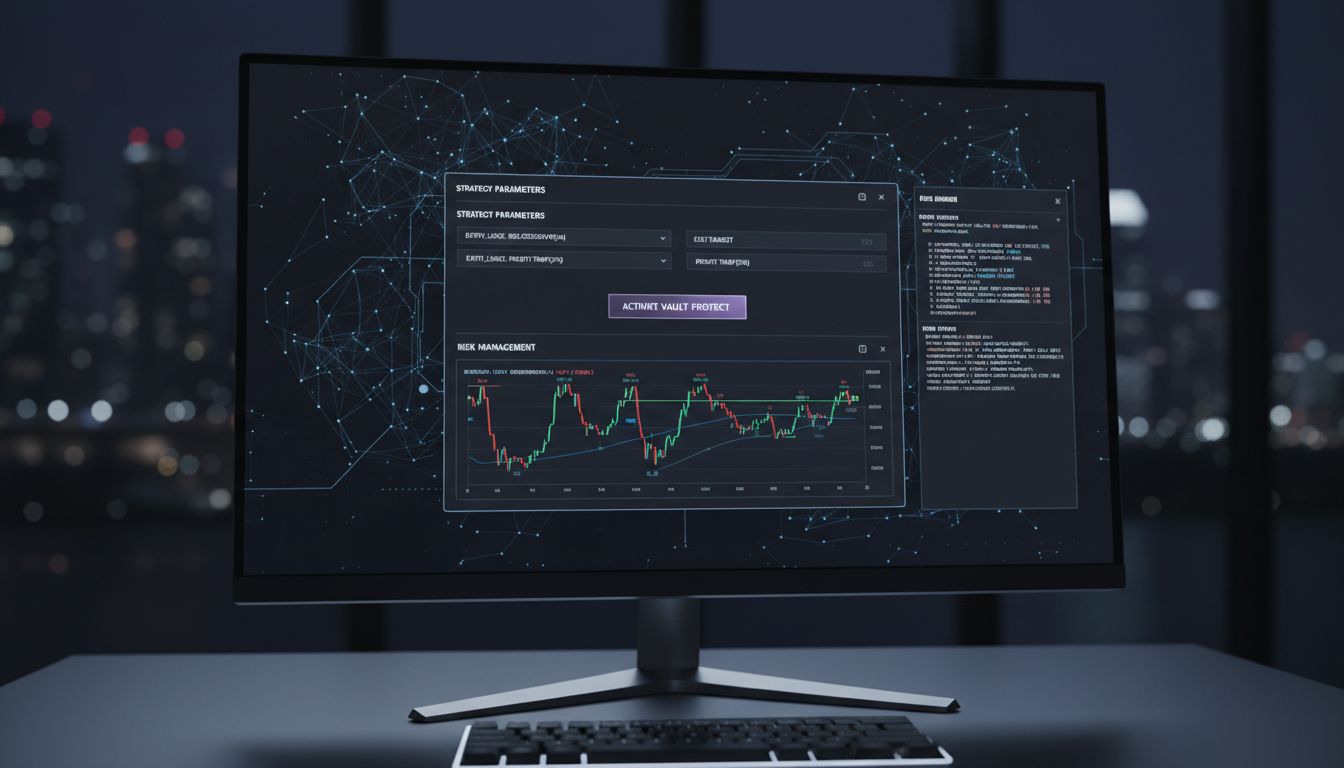
Darkbot’s automated trading system utilizes sophisticated machine learning algorithms to analyze market conditions and optimize trading performance. Begin by exploring the platform’s pre configured strategy templates, which range from momentum and trend following to mean reversion and arbitrage approaches. Each template offers a foundational framework you can fine tune to match your risk tolerance and investment objectives. Consider your primary goals carefully whether you seek consistent small gains or are willing to pursue more aggressive return profiles.
Advanced strategy customization involves selecting specific technical indicators, setting precise entry and exit parameters, and defining risk management protocols. Modern trading algorithms like Support Vector Machines and Random Forest models enable nuanced decision making that adapts to complex market dynamics. Pay special attention to backtesting features that allow you to simulate your strategy across historical market data, providing insights into potential performance and identifying potential vulnerabilities before deploying real capital.
Pro Tip: Start with conservative position sizing and gradually increase complexity as you validate your strategy’s consistent performance.
With your trading strategy configured and backtested, you are now prepared to activate your automated trading system and begin monitoring its real world execution.
Step 4: Configure Portfolio Management and Risk Settings
Configuring portfolio management and risk settings transforms your trading strategy from theoretical concept to a robust automated system with built in safeguards. You will establish precise parameters that protect your capital while maximizing potential trading opportunities.
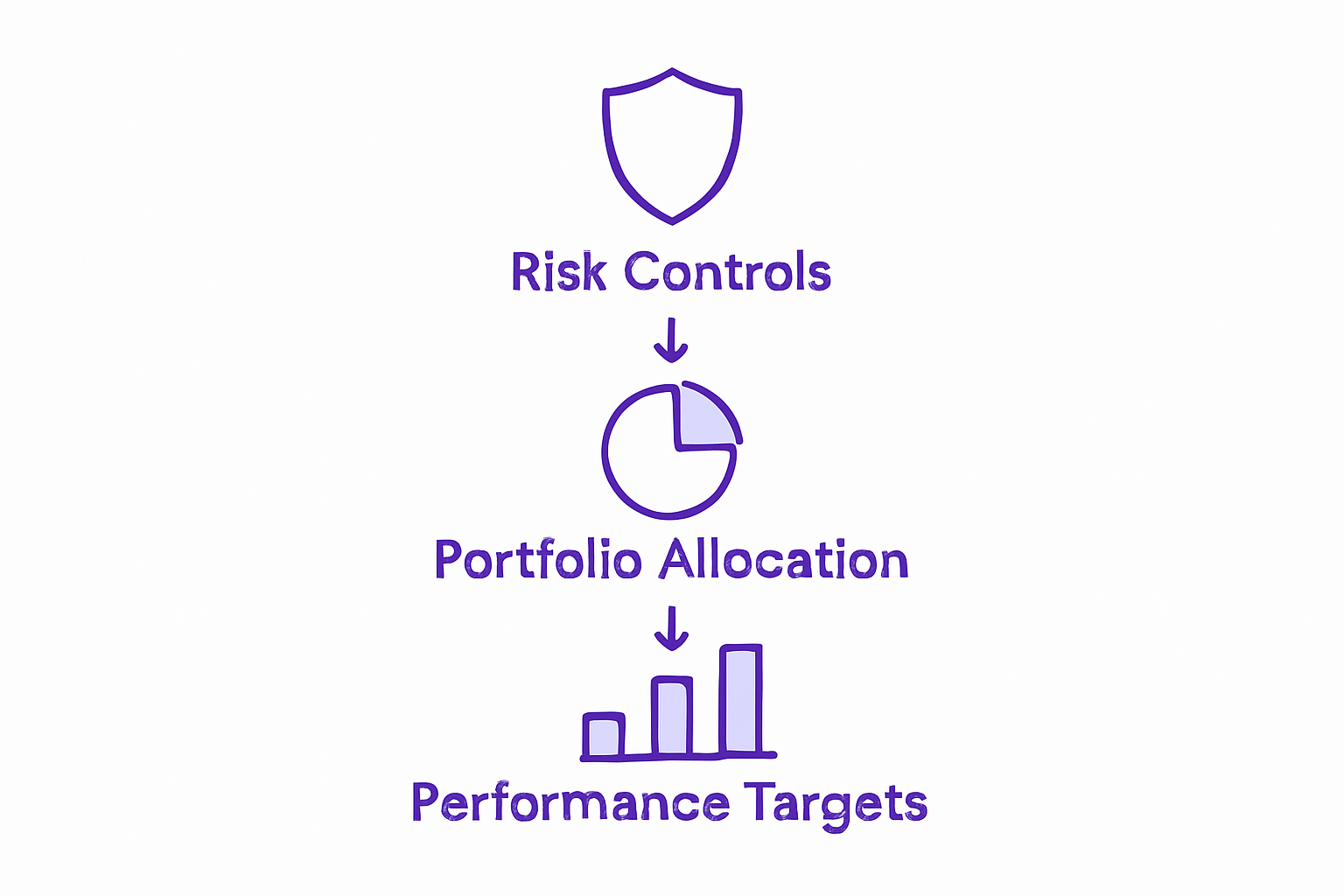
Darkbot offers comprehensive portfolio management features designed to optimize profits and minimize risks through automated trading mechanisms. Begin by setting allocation percentages for each cryptocurrency in your portfolio, ensuring balanced exposure across different digital assets. Configure stop-loss and take-profit levels carefully to establish clear risk boundaries. For instance, you might set a 2% stop-loss to automatically exit a trade if an asset drops below a specific threshold, protecting your investment from significant downward market movements.
Advanced risk management involves implementing multiple layers of protection. Diversify your trading positions across different cryptocurrencies and trading strategies to reduce overall portfolio volatility. Utilize Darkbot’s position sizing tools to ensure no single trade can dramatically impact your total capital. Carefully calibrate your maximum trade size percentage and total portfolio risk allocation, typically recommending no more than 1-2% risk per individual trade.
Pro Tip: Regularly review and rebalance your portfolio settings to adapt to changing market conditions and your evolving investment goals.
With your portfolio management and risk settings configured, you are now prepared to launch your automated trading system and begin monitoring its performance in real market conditions.
Step 5: Test and Monitor Bot Performance in Real Time
Testing and monitoring your trading bot represents the critical phase where theoretical strategy meets market execution. You will transform your carefully configured algorithm into a live trading mechanism, tracking its performance with precision and adaptability.
Darkbot enables real-time performance tracking through integrated Telegram notifications, allowing you to stay continuously informed about your trading activities. Begin by activating the platform’s comprehensive performance dashboard, which displays key metrics such as total profit and loss, win rate, and current portfolio allocation. Pay close attention to critical performance indicators like drawdown percentage and average trade duration to understand how your strategy performs under different market conditions.
Advanced monitoring involves setting up custom alert thresholds that notify you of significant trading events or potential strategy deviations. Implement a disciplined approach to performance analysis by comparing your bot’s actual results against initial backtesting projections. Most professional traders recommend a minimum two week observation period before making substantial strategy modifications. Utilize Darkbot’s built in analytics to generate detailed reports that provide granular insights into trade execution, helping you refine your approach with data driven precision.
Pro Tip: Create a separate trading journal to manually log and analyze your bot’s performance beyond the platform’s default metrics.
With your performance monitoring systems activated, you are now prepared to continuously optimize your automated trading strategy based on real world market feedback.
Empower Your Cryptocurrency Trading Journey with Darkbot.io
Setting up a cryptocurrency trading bot can feel complex and risky, especially when securing API keys, integrating multiple exchanges, and customizing strategies are involved. This guide highlights common challenges like ensuring secure API permissions, configuring portfolio risk settings, and monitoring live performance effectively. You want a dependable, secure, and user-friendly solution that lets you automate trading confidently without sacrificing control or exposing your investments to avoidable threats.
Darkbot.io is designed specifically to address these pain points and unlock your automated trading potential. Our platform offers seamless exchange integration across major platforms, advanced AI-driven strategy customization, and robust portfolio management features that protect your capital. You will benefit from real-time analytics, flexible risk controls, and continuous performance monitoring to adapt as markets shift. Whether you are a novice or experienced trader, Darkbot.io simplifies these complex tasks through an intuitive interface backed by sophisticated machine learning algorithms.
Start turning your trading ideas into real profits today by getting started with Darkbot.io. Explore how easy API key setup and exchange connections can be by visiting our Getting Started Guide. Ready to unlock automated success with secure, intelligent trading? Launch your first bot and experience the difference at Darkbot.io.
Frequently Asked Questions
How do I securely prepare my Exchange Accounts for automated cryptocurrency trading?
To securely prepare your Exchange Accounts, log in to your chosen cryptocurrency exchange and navigate to the API management section. Generate API keys with read-only or trading-only permissions, and enable IP whitelisting to restrict key usage to your trading bot’s server IP address.
What steps should I follow to connect Darkbot.io to my cryptocurrency exchange?
To connect Darkbot.io to your cryptocurrency exchange, log in to your Darkbot account and head to the exchange integration section. Input the API key and secret generated earlier, and ensure that you have the appropriate trading permissions checked to enable seamless trading execution.
How can I customize my trading strategy when using Darkbot?
You can customize your trading strategy in Darkbot by selecting from pre-configured strategy templates and adjusting specific settings such as entry and exit parameters. Fine-tune your strategy based on your risk tolerance and investment goals, and utilize backtesting features to validate your strategy’s effectiveness before deploying.
What risk management settings should I configure for my automated trading system?
You should configure risk management settings by determining allocation percentages for each cryptocurrency and setting stop-loss and take-profit levels to protect your capital. Implement diversified trading positions and adjust your maximum trade size to ensure no single trade risks more than 1-2% of your total capital.
How do I monitor the performance of my trading bot in real time?
To monitor the performance of your trading bot, activate Darkbot’s performance dashboard which displays metrics like total profit and loss and win rate. Set up custom alerts for significant trading events, and analyze performance regularly to ensure your strategy is functioning properly in various market conditions.
How often should I review and adjust my trading strategy?
Review and adjust your trading strategy regularly, ideally every two weeks, to ensure it aligns with current market conditions and your investment objectives. Utilize the data gathered from your performance monitoring to make informed adjustments and enhance your trading outcomes.
Recommended

Start trading on Darkbot with ease
Come and explore our crypto trading platform by connecting your free account!
Free plan available • No credit card required