Master the Trading Bot Setup Workflow for Automated Profits
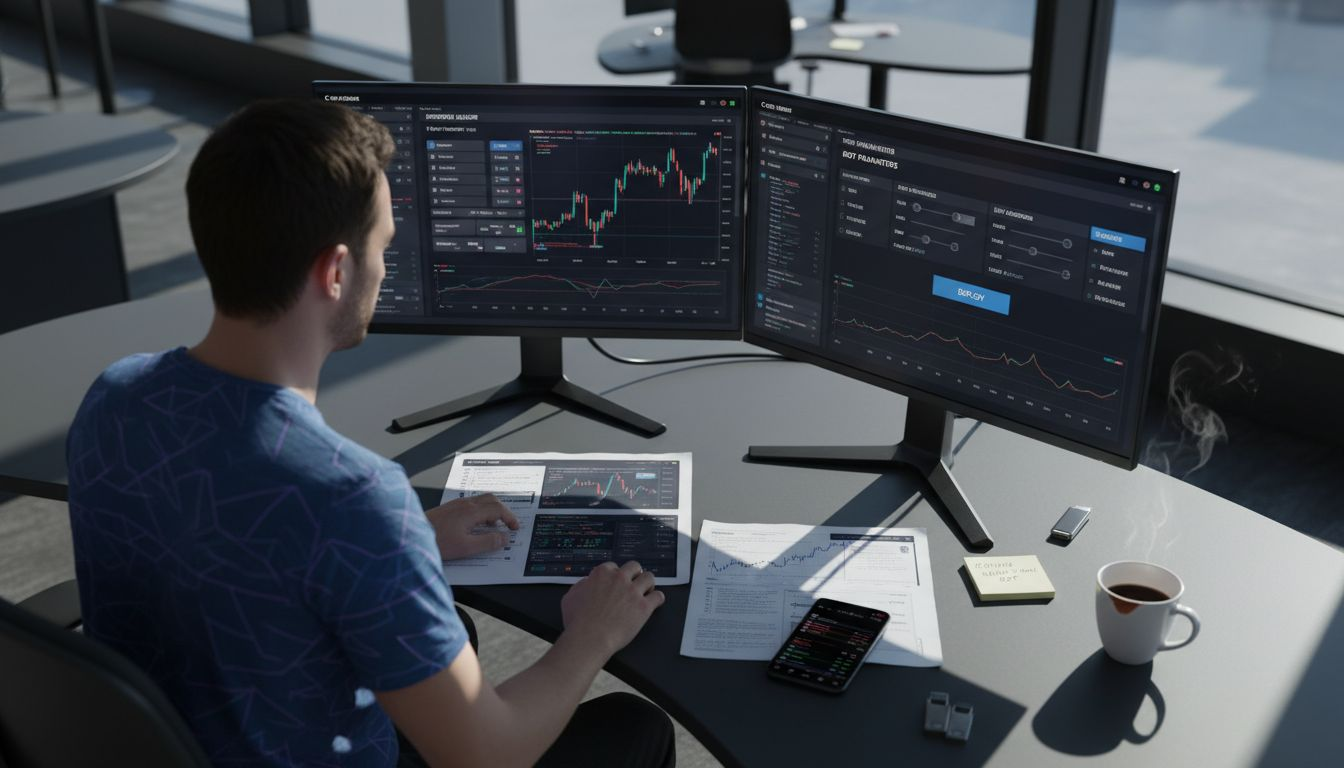
Tuning a crypto trading bot starts long before the first order is placed. For many North American day traders, balancing speed, security, and effective risk management with limited screen time can feel like a moving target. Setting up exchange accounts, managing secure API keys, and connecting to multi-exchange platforms gives you the foundation for a safer, more responsive automation system, letting you focus less on worrying and more on capturing real market opportunities.
Quick Summary
| Key Insight | Explanation |
|---|---|
| 1. Secure API Key Creation | Generate an API key with limited permissions to connect your bot safely. |
| 2. Connect Multiple Exchanges | Utilize various exchanges for better liquidity and diverse trading opportunities. |
| 3. Customize Risk Settings | Define loss limits and position sizes to manage portfolio risk effectively. |
| 4. Monitor Bot Performance | Track trading activity and analyze outcomes to optimize strategies continuously. |
| 5. Regular Review Process | Periodically evaluate performance to adjust strategies based on market conditions. |
Step 1: Prepare Exchange Accounts and API Keys
Before you can automate your trading, you need to establish a secure connection between your exchange account and your trading bot. This step involves creating API keys that act as a secure bridge, allowing the bot to execute trades and monitor your portfolio without requiring your actual exchange password. Think of API keys as temporary credentials that grant specific permissions rather than full account access. Getting this right from the start prevents security vulnerabilities and ensures your bot can operate smoothly.
Start by logging into your crypto exchange account. Navigate to the security or API settings section, which is typically found under account settings or developer options. Each exchange has a slightly different interface, but the general process remains consistent. You’ll be generating two pieces of information: a public key and a secret key. The public key identifies your account, while the secret key authenticates your requests. Never share your secret key with anyone, and avoid storing it in plain text files or screenshots. Secure API key management requires treating these credentials with the same care you would give to your password.
When creating your keys, configure the appropriate permissions. You’ll typically have options to restrict what actions the keys can perform. For a trading bot, you’ll want to enable trading and withdrawal capabilities if you plan to move funds, but consider disabling deposit permissions for extra security. Some exchanges allow you to restrict API access to specific IP addresses, which adds another layer of protection. Set usage limits or rate restrictions if your exchange offers them. Remember that API keys are displayed only once upon creation, so store them securely immediately after generation. If you lose them or suspect they’ve been compromised, you can regenerate new keys and deactivate the old ones.
Here’s a quick look at typical API key permissions and their impact on trading bot security:
| Permission Type | What It Enables | Security Consideration |
|---|---|---|
| Trading | Placing buy/sell orders | Essential for automated trading; should be enabled |
| Withdrawal | Moving funds out | High risk; enable only if absolutely required |
| Deposit | Viewing deposit address | Lower risk; can usually be disabled for bots |
| Read-only | Viewing balances/orders | Safe for monitoring but not for trading actions |
Once you have your API keys, you’ll use them to connect your crypto exchange to your trading bot. The bot will use these credentials to access market data, execute orders, and manage your positions. Take time to verify that your exchange account has sufficient funds and that you understand the exchange’s trading fees and order types. Different exchanges have different minimum order sizes and fee structures, so familiarize yourself with these details before your bot starts executing trades. Double check that you’ve copied your API keys correctly, as even a single character error will prevent the connection from working.
Pro tip: Create multiple API keys with different permission levels for each bot or trading strategy you run, so if one key is compromised, only that specific bot loses access rather than your entire account.
Step 2: Connect Darkbot.io to Multiple Exchanges
Connecting your trading bot to multiple exchanges gives you access to broader liquidity, better price opportunities, and the ability to diversify your trading across different platforms. This step involves linking each of your exchange API keys to the Darkbot platform, which acts as a centralized control center for managing trades across all your connected exchanges. The process is straightforward, but understanding the setup ensures your bot can execute strategies consistently across platforms.
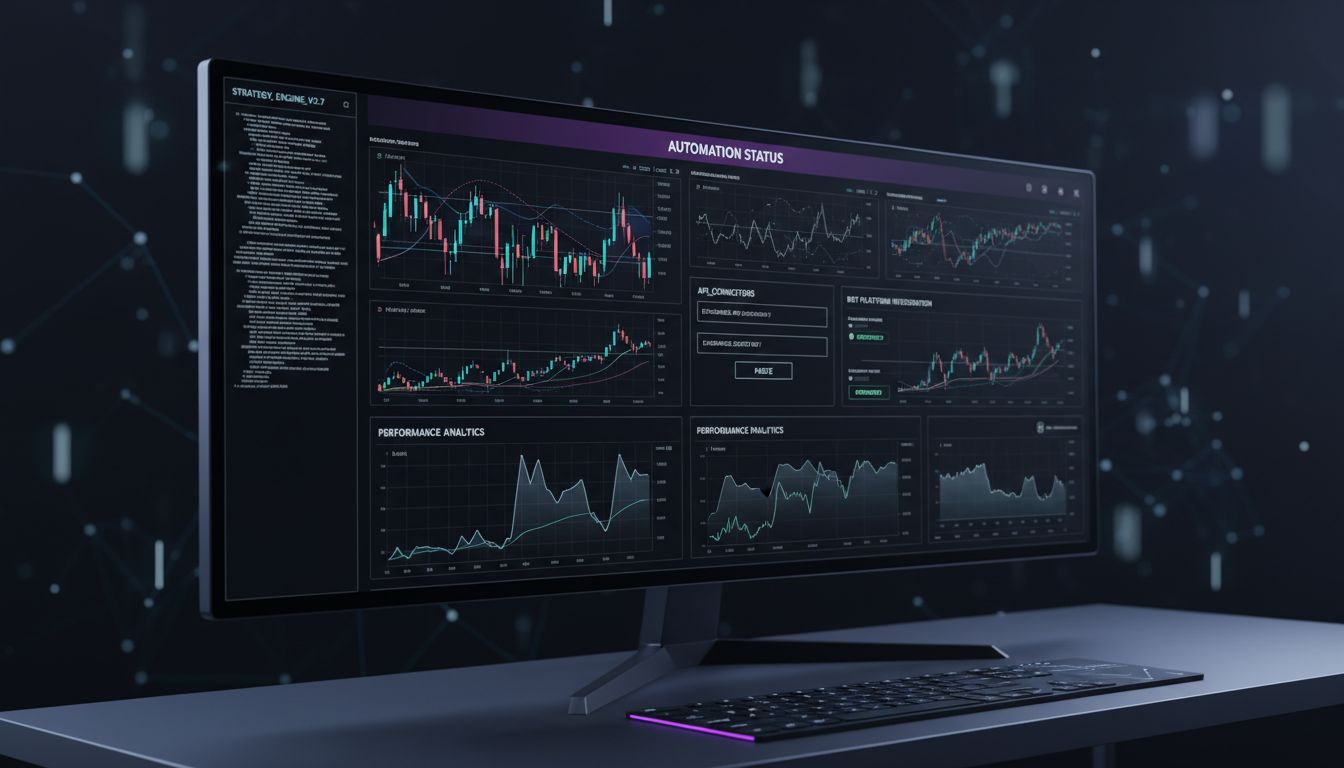
Start by logging into your Darkbot account and navigating to the exchange connections section. You’ll typically find this under settings or integrations. Select the first exchange you want to connect, such as Coinbase, Kraken, or Binance. Darkbot will prompt you to enter the API key and secret key you generated earlier. Paste these credentials carefully, making sure there are no extra spaces or characters. Once you’ve entered your credentials, Darkbot will test the connection to verify that the API keys are valid and have the appropriate permissions. If the test fails, double check that you’ve copied the keys correctly and that your exchange account has API access enabled. Some exchanges require you to confirm the new API connection through an email link before it becomes active, so check your inbox if the initial connection attempt doesn’t work.
After successfully connecting your first exchange, repeat this process for any additional platforms you want to trade on. The advantage of connecting multiple exchanges becomes clear when you consider price variations across platforms. Cross chain price differences mean that the same asset might trade at slightly different prices on different exchanges, creating opportunities for your bot to execute more favorable trades or identify arbitrage opportunities. As you add each exchange, Darkbot consolidates all your account balances and open orders into a unified dashboard, giving you a real time view of your entire portfolio across platforms. This centralized view helps you monitor exposure and ensure your risk management rules are applied consistently.
Once all your exchanges are connected, take time to verify that each connection is active and functioning properly. Check that Darkbot can see your account balances on each exchange, and confirm that the trading permissions are correctly set. You may want to start with a test trade on one exchange to confirm that the bot can execute orders successfully. Pay attention to how different exchanges handle order types and fees, as some platforms may be better suited for specific trading strategies. Different exchanges also have varying minimum order sizes and trading pairs available, so understanding these nuances helps you configure your bot strategies appropriately. As you become comfortable with the multi exchange setup, you can create more sophisticated strategies that leverage price differences and liquidity across platforms.
Compare how connecting to a single exchange vs. multiple exchanges affects your trading bot’s opportunities:
| Setup Type | Liquidity Access | Price Advantage | Risk Diversification |
|---|---|---|---|
| Single Exchange | Limited | Fewer deals | Higher concentration |
| Multiple Exchanges | Broad | More opportunities | Enhanced diversification |
Pro tip: Start with two exchanges that have strong liquidity for your preferred trading pairs, then add more exchanges once you’re confident in your bot’s performance and your risk management processes.
Step 3: Customize Trading Strategy and Risk Settings
This is where your bot transitions from a generic tool into a personalized trading instrument aligned with your financial goals and risk tolerance. Customizing your strategy and risk settings determines how aggressively your bot trades, when it enters and exits positions, and how much capital it risks on individual trades. Getting this right requires honest self assessment and a clear understanding of what you’re trying to achieve with automation.
Begin by defining your core trading approach. Darkbot supports multiple strategy types, from trend following to mean reversion to grid trading. Think about what market conditions you want to trade in and what price movements trigger your bot to act. Are you looking to capitalize on short term volatility, or do you prefer holding positions longer? Your strategy should reflect realistic market conditions rather than theoretical best case scenarios. Once you’ve selected your strategy type, you’ll configure the specific parameters. This includes entry signals, exit conditions, and the types of orders your bot will place. For example, if you’re using a trend following strategy, you might set your bot to enter trades when price crosses above a specific moving average and exit when it falls below that average. Each parameter you adjust changes how often your bot trades and how much profit or loss you might experience.
Now address your risk settings, which form the backbone of sustainable trading. Understanding your risk tolerance helps you establish position sizes and loss limits that keep your portfolio manageable during drawdowns. Start by setting your maximum loss per trade, often called a stop loss. This is the point where your bot automatically closes a losing trade to prevent further damage. You’ll also want to define your maximum daily loss limit. If your bot hits this threshold during a trading day, it stops opening new positions until the next day resets the counter. This prevents a cascade of losses if market conditions deteriorate unexpectedly. Additionally, configure your position sizing rules. Rather than risking the same dollar amount on every trade, many traders risk a percentage of their account balance, which automatically scales your position size as your account grows or shrinks.
Beyond individual trade management, set your overall portfolio exposure limits. Decide what percentage of your total account you’re willing to allocate to any single asset. This prevents your bot from concentrating too much capital in one position, which protects you if that particular asset experiences a sharp decline. You can also set maximum concurrent positions, which limits how many trades your bot can have open simultaneously. This prevents your bot from being fully exposed if the market moves against you across multiple positions at once. Trading strategies require clear rules for asset selection and money management to optimize performance under different market conditions. Review each setting carefully and ask yourself whether you’d be comfortable if your bot operated exactly this way for the next month. If any number makes you nervous, adjust it downward until it feels sustainable. Test your configuration with a small amount of capital first, then scale up as you gain confidence in how your bot performs with real money.
Pro tip: Start with conservative risk settings and gradually increase them as you observe how your bot performs, rather than optimizing for maximum returns immediately which often leads to painful losses during your first market drawdown.
Step 4: Activate and Monitor Your Trading Bot
Activating your bot marks the transition from planning to execution. This is where your configured strategy begins operating in real market conditions with actual capital. Before you hit that activation button, you need a clear monitoring plan to ensure your bot behaves as intended and adapts appropriately to changing market dynamics.
Start by reviewing your bot configuration one final time. Double check that all your exchange connections are active, your API keys have the correct permissions, and your strategy parameters match what you documented during setup. Many traders make the mistake of rushing this verification step, only to discover later that something was misconfigured. Once you’ve confirmed everything, initiate your bot with a small allocation of capital. This isn’t about being cautious just to be cautious, it’s about gathering real world data on how your bot performs before you commit significant resources. Even the most carefully planned strategy can behave differently in live trading than it does in theory. Activate your bot at a time when you can monitor it closely, ideally early in a trading session when you have time to intervene if something goes wrong.
After activation, real-time monitoring helps track bot functionality and manage API keys securely. Set up alerts that notify you of key events, such as when your bot opens a new trade, hits your daily loss limit, or encounters an error connecting to an exchange. Check your Darkbot dashboard regularly during the first few days to verify that your bot is executing trades according to your strategy. Look at each trade your bot makes and ask yourself whether the entry and exit decisions make sense given current market conditions. Your bot won’t always be right, and that’s expected, but you should understand the logic behind each action. Track your bot’s performance metrics including win rate, average profit per trade, and maximum drawdown. These numbers tell you whether your bot is operating within the boundaries you intended.
As your bot runs, you’ll begin noticing patterns in how it performs across different market environments. Some strategies perform well in trending markets but struggle during sideways consolidation phases. Others thrive during high volatility but lose money when price movement slows. Continuous oversight helps detect anomalies and optimize bot performance in response to market shifts. Keep notes about market conditions when your bot performs well and when it struggles. This information becomes invaluable for future optimization decisions. Monitor your bot’s ability to execute orders at reasonable prices. If you notice your bot frequently fills orders at prices significantly worse than the market price shown when the order was placed, this indicates execution problems that need investigation. Stay vigilant about your API key security throughout this process. Regularly verify that your API keys haven’t been compromised and that only your authorized bot is accessing your exchange accounts. If you notice unexpected trades or unusual activity, revoke the compromised API key immediately and generate a new one.
Pro tip: Set your bot to run during specific market hours in your first week of operation, such as during peak liquidity times, rather than running 24/7 immediately, so you can observe its behavior under consistent conditions before giving it full autonomy.
Step 5: Verify Trades and Refine Performance
Once your bot has executed trades over a reasonable period, you shift into analysis mode. This step involves examining what your bot actually did versus what you expected it to do, then using those insights to improve performance. The gap between theory and reality is where real learning happens, and systematic analysis converts that learning into measurable improvements.
Begin by reviewing your trade history in detail. Export your trades from Darkbot and examine each one individually. Look at winning trades and losing trades separately. For winners, ask yourself what conditions were present. Was the market trending strongly? Was volatility elevated? Were there specific technical patterns that preceded the entry? For losing trades, conduct the same analysis but focus on what went wrong. Did the bot enter when the market was about to reverse? Was the setup less reliable than you thought? Were there external factors you hadn’t accounted for? Track patterns across multiple trades rather than fixating on individual results. If your bot consistently loses money on a specific asset or during certain times of day, that’s actionable information. Performance evaluation involves systematically measuring trading outcomes to assess strategy effectiveness. Use Darkbot’s analytics dashboard to calculate your key metrics. Your win rate tells you what percentage of trades were profitable. Your average profit per winning trade versus average loss per losing trade reveals your risk to reward ratio. Your maximum drawdown shows the deepest loss your account experienced during the analysis period. These numbers collectively tell you whether your strategy is functioning as designed.
Now compare your actual results to what you expected based on your backtesting or initial planning. Did your bot perform roughly as you anticipated, or did it significantly underperform? If performance is close to expectations, your strategy is working as designed and you can confidently scale it up or let it run longer to gather more data. If performance is significantly worse, something needs adjustment. The issue could be your strategy parameters, market conditions that have changed since you set up the bot, or perhaps unrealistic expectations you had during setup. Don’t immediately blame external factors. Instead, examine whether you need to adjust your entry criteria, exit rules, position sizing, or risk limits. Small parameter adjustments often produce meaningful performance improvements. Performance measurement and evaluation inform decisions to refine methods and improve results. Make one change at a time and monitor results before making additional adjustments. Changing multiple parameters simultaneously makes it impossible to know which change actually helped or hurt. Document your changes and results so you can track what worked and what didn’t.
As you refine your bot, establish a regular review rhythm. Many traders review performance weekly or bi-weekly. During these reviews, identify what changed in the market versus what changed in your bot’s performance. Are you underperforming because markets have shifted into a regime your strategy struggles with, or because your bot has a technical problem? This distinction matters because it determines whether you need to adjust your strategy parameters or simply wait for market conditions to improve. Over time, you’ll build intuition about which adjustments move the needle and which don’t. This experience becomes invaluable for optimizing future strategies and understanding how your bot adapts to real market complexity.
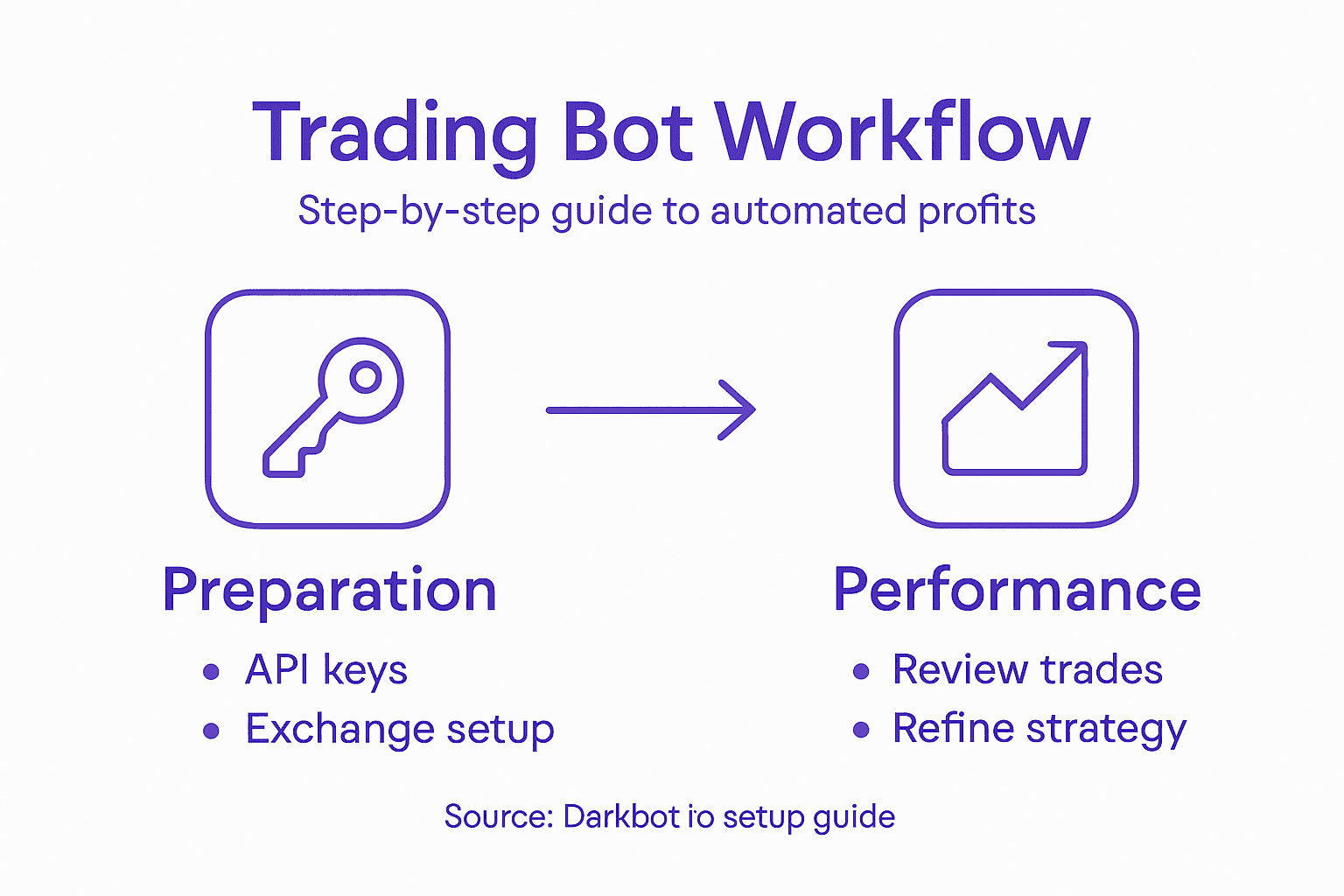
Pro tip: Keep a trading journal documenting each major bot adjustment you make, the reason for it, and the performance outcome afterward, so you build a personal reference library of what optimizations work best for your trading style and market conditions.
Take Control of Your Automated Trading Journey with Darkbot.io
Navigating the complexities of setting up trading bots, from managing API keys securely to customizing risk settings and connecting multiple exchanges, can feel overwhelming. The article highlights critical challenges like ensuring safe API key permissions, synchronizing strategies across platforms, and effectively monitoring bot performance. These pain points often leave traders anxious about security risks and uncertain about whether their bot is optimized for real market conditions.
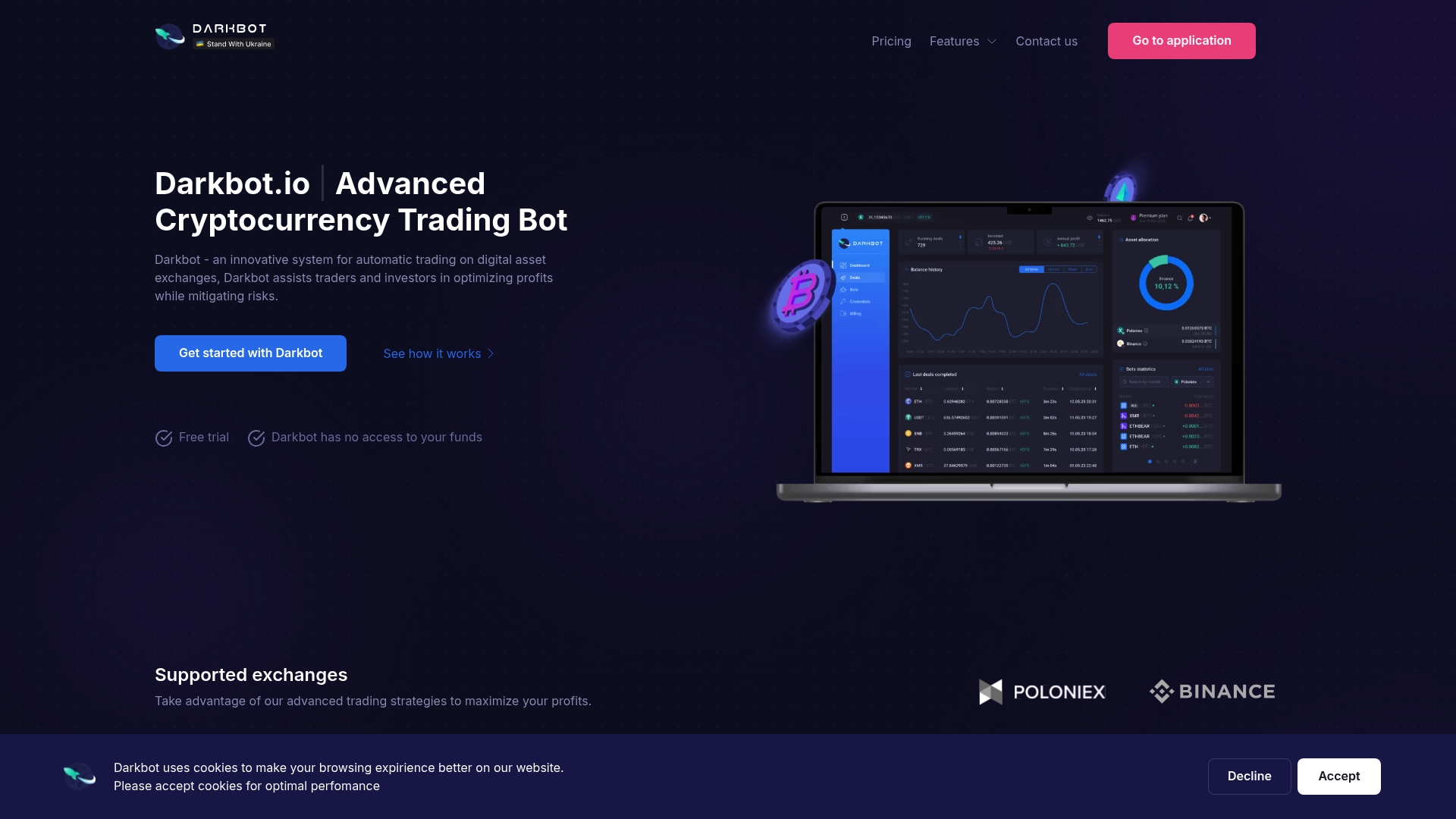
Darkbot.io offers a powerful solution designed to simplify every step of this intricate workflow. With seamless exchange integration, intuitive strategy customization, and comprehensive portfolio management features, Darkbot lets you automate your cryptocurrency trading with confidence and precision. Its secure environment safeguards your API keys while providing real-time analytics that empower you to refine your approach continually. Don’t let setup complexities hold you back from unlocking the full potential of automated profits.
Embrace automation today and experience how Darkbot can transform your trading experience into a streamlined, secure, and profitable venture. Discover more at Darkbot.io and start mastering your trading bot setup with tools engineered for success.
Frequently Asked Questions
How do I create API keys for my trading bot?
To create API keys, log into your crypto exchange account and navigate to the security or API settings section. Generate a public key and a secret key, ensuring you configure the appropriate permissions based on what actions your bot needs to perform.
What should I consider when connecting my trading bot to multiple exchanges?
When connecting to multiple exchanges, consider liquidity, price variations, and risk diversification. Make sure to verify each API connection and review trading fees, minimum order sizes, and how different platforms suit your trading strategies.
How can I customize my trading strategy within the bot?
Customize your trading strategy by selecting parameters that reflect your financial goals, risk tolerance, and market conditions. Define entry signals, exit conditions, and position sizing rules to automate trading that aligns with your desired outcomes.
What monitoring practices should I implement after activating my trading bot?
Implement real-time monitoring practices such as setting up alerts for key events and checking your bot’s performance metrics regularly. This helps detect any anomalies and ensures the bot executes trades as intended based on your strategy.
How often should I review my bot’s performance and make adjustments?
You should review your bot’s performance regularly, ideally weekly or bi-weekly. Analyze trade history, identify patterns, and make one change at a time to optimize your trading strategy effectively, allowing you to gather insights on what works best for future adjustments.
Recommended

Start trading on Darkbot with ease
Come and explore our crypto trading platform by connecting your free account!
Free plan available • No credit card required