Stop Duplicate Fills: TradingView Webhook Bots for Traders & Devs

A TradingView webhook bot listens for the HTTP POST that TradingView fires when a Pine Script alert triggers, then executes or forwards that signal, usually to a crypto exchange API. It fits traders who already have a working alert strategy and want it acted on without watching charts. Always test in dry-run mode with real risk caps before using live capital.
TL;DR:
- Webhook alerts from TradingView require a paid plan and two-factor authentication to activate, limiting access for some users.
- Proper security measures include secret keys, rate limiting, short response times, and encrypted environment variables to prevent unauthorized trades.
- Building the webhook infrastructure demands rigorous risk checks like size caps, symbol allowlists, and exposure limits to avoid costly mistakes in live trading.
- Testing should start with payload validation, dry runs, and small live orders on testnets before full deployment to catch symbol or rounding issues.
- Managed platforms like Darkbot simplify setup and maintenance by integrating risk management and automation, suitable for traders preferring fewer infrastructure concerns.
What Is a TradingView Webhook Bot and When Should You Use One?
A webhook bot plays one of two roles: executor (it places real orders on an exchange) or notifier (it forwards the alert to Telegram, Discord, or email without touching your account). Projects built around Python’s smtplib library or chat APIs handle the notifier path; execution bots plug into exchange SDKs.
Typical users fall into a few groups:
- Discretionary traders who want confirmation pings instead of full automation
- Systematic traders who’ve backtested a Pine Script strategy and want mechanical execution
- Developers building a custom pipeline between TradingView and an exchange account
One prerequisite gets overlooked constantly: TradingView webhooks only work on paid plans, and TradingView requires two-factor authentication on the account before webhook alerts activate.
How Do TradingView Webhooks Work?
When an alert fires, TradingView sends an HTTP POST to whatever URL you put in the webhook field. If the alert message body is valid JSON, TradingView sets the content type to application/json; otherwise it sends plain text. That distinction matters for how your server parses incoming data.
A basic test with cURL looks like this:
curl -X POST https://yourdomain.com/webhook \
  -H "Content-Type: application/json" \
  -d '{"sec_key":"abc123","symbol":"BTCUSDT","side":"buy"}'
Running a request like this manually, using a tool like cURL, is the fastest way to confirm your endpoint responds before wiring in real alerts.
Two hard limits shape your infrastructure decisions. TradingView only accepts webhook delivery over ports 80 and 443, and it cancels the request if your server takes longer than three seconds to respond. TradingView’s alert log shows delivery status, so check it first when a signal seems to go missing.

What Fields Belong in a Webhook Payload?
Most bots expect a compact, flat JSON object built directly from TradingView’s alert message editor, using variables like {{close}} and {{ticker}} to auto-populate values at trigger time. A working example:
{
  "sec_key": "your_secret_here",
  "exchange": "binance",
  "symbol": "{{ticker}}",
  "side": "buy",
  "size_usdt": 100,
  "leverage": 3,
  "request_id": "{{timenow}}-{{ticker}}"
}
| Field | Maps to | Purpose |
|---|---|---|
sec_key |
Auth check | Confirms request came from you |
symbol |
Exchange ticker | Identifies the trading pair |
side |
Order direction | Buy or sell |
size_usdt |
Notional value | Converted to quantity at execution |
leverage |
Margin parameter | Sets position leverage where applicable |
request_id |
Idempotency key | Prevents duplicate fills on retry |
Including request_id is a small addition that prevents a costly problem: duplicate order execution when TradingView or your network retries a delivery.
Where Should You Host a Webhook Bot?
A Flask app is the standard starting point for prototyping. It’s a few dozen lines of Python to receive the POST, validate the secret, and log the payload.
For anything handling real money, the setup needs to grow up:
- Package the app with Docker so the environment is reproducible across machines
- Put nginx or a similar reverse proxy in front to terminate TLS and forward traffic on ports 80/443
- Add a
/healthendpoint so uptime monitors can detect a dead process before you lose signals - Write logs to persistent storage, not just stdout, so you can audit what happened after the fact
Self-hosting on a VPS gives full control but means you own the uptime, patching, and scaling. A managed platform shifts that maintenance burden elsewhere at the cost of less low-level customization. GitHub projects like robswc/tradingview-webhooks-bot show this Docker-plus-nginx pattern in practice.
How Do You Secure a Webhook Endpoint?
Security failures on a webhook bot mean unauthorized orders on a real account, so the checklist isn’t optional.
- Require a secret key (
sec_key) in every payload and reject any request where it doesn’t match. This pattern shows up consistently in open-source webhook bot configurations, typically stored in aconfig.pyfile kept out of version control. - Enable two-factor authentication on your TradingView account, since it’s required for webhook alerts to function at all.
- Never embed exchange API keys or passwords inside the alert message text itself, since TradingView’s alert log stores that content.
- Add rate limiting and a short processing deadline on your endpoint, given the three-second window TradingView allows before it cancels the request.
- Build in retries with exponential backoff for calls to the exchange API, so a temporary network blip doesn’t silently drop a signal.
Pro Tip: Store your webhook secret as an environment variable, never a hardcoded string. If your repository is ever exposed, a hardcoded key means immediate exposure of your trading endpoint.
How Does a Webhook Map to Exchange Execution?
Once a payload clears authentication, execution usually runs through an exchange SDK or a library like ccxt, which normalizes order placement across dozens of exchanges instead of forcing you to write separate integration code for each one.
Before any order reaches the exchange, a disciplined pipeline runs a sequence of checks:
- Allowlist check: is this symbol approved for trading at all?
- Size cap: does this order exceed the maximum position size for one trade?
- Per-symbol cap: does the account already hold too much exposure in this asset?
- Total exposure cap: does this push the whole portfolio past its risk limit?
- Leverage cap: is the requested leverage within the account’s allowed range?
- Daily loss stop: has the account already hit its loss limit for the day?
Projects built around this exact sequence treat it as a fixed order, not a set of optional checks, and make the cap values configurable through environment variables so risk tolerance changes don’t require touching code.
For take-profit and stop-loss, exchange-native bracket orders are the cleaner option when the exchange supports them. When it doesn’t, the bot needs a small retry-aware routine that places TP/SL only after confirming the original order actually filled, avoiding a race condition where a stop order gets placed against a position that never opened. Every step in this chain should log to a persistent record. Without logs, diagnosing a bad fill after the fact turns into guesswork.
What Should Your Testing and Go-Live Checklist Include?
Skipping the staged rollout is the single most common way traders lose money to a misconfigured bot, not to a bad strategy.
- Point the alert at your webhook and confirm the payload arrives intact, with no execution wired in yet.
- Switch to dry-run mode, where the bot logs what it would have done without sending real orders.
- Move to an exchange testnet account and confirm order mapping, symbol formatting, and rounding all behave correctly.
- Send duplicate alerts manually to verify your idempotency key actually blocks the second fill.
- Go live with minimum position sizes first, watching logs closely before scaling up.
Add /health and /metrics endpoints plus structured logging from day one. A staged approach like this is exactly how mapping and rounding mismatches between TradingView variables and exchange symbol formats get caught before they cost real money. Darkbot’s trading bot setup guide walks through a comparable sequence for readers building this out from scratch.
How Does Darkbot Approach Webhook-Style Automation?
Darkbot applies the same principles covered above inside a managed structure: API-based exchange integration, backtesting before any strategy goes live, dry-run testing, and configurable risk parameters including position caps and exposure limits. Documentation and onboarding support are built into every tier, so configuration decisions aren’t made in isolation. Traders who want the execution discipline of a webhook pipeline without owning the server infrastructure can review Darkbot’s strategy automation guide for the equivalent setup process.
What Actually Matters When You Build One of These
Most guides to webhook bots spend their word count on the payload format and skip the part that actually determines whether the bot survives contact with a real market: the risk pipeline. A secret key stops unauthorized requests. A daily loss stop is what stops a bad day from becoming a ruinous one. Those aren’t the same problem, and treating security as the whole job is where a lot of setups go wrong.

The conventional advice to “test on testnet, then go live” is correct but incomplete. Testnet rarely surfaces symbol-formatting or rounding mismatches the way a small, real order does, because testnet liquidity and precision rules don’t always match production. A staged rollout with genuinely small live sizes catches problems no simulation will.
If you’re building this yourself, prioritize the risk-check sequence and idempotency before you ever touch exchange execution code. The payload structure is the easy part. Pairing a validated Pine Script alert with analytics tools like TP Scanner before automating execution adds a useful second layer of signal review, but it doesn’t replace hard caps on size and exposure. Those caps are what separate a systematic process from a script that happens to work until the day it doesn’t.
— Grisha
When Does a Managed Platform Make More Sense Than Self-Hosting?
Self-hosting a webhook bot means owning uptime, patching, and scaling as your alert volume grows. That tradeoff makes sense for developers who want full control over every line of execution logic. It stops making sense once you’re spending more time maintaining infrastructure than refining the strategy itself.
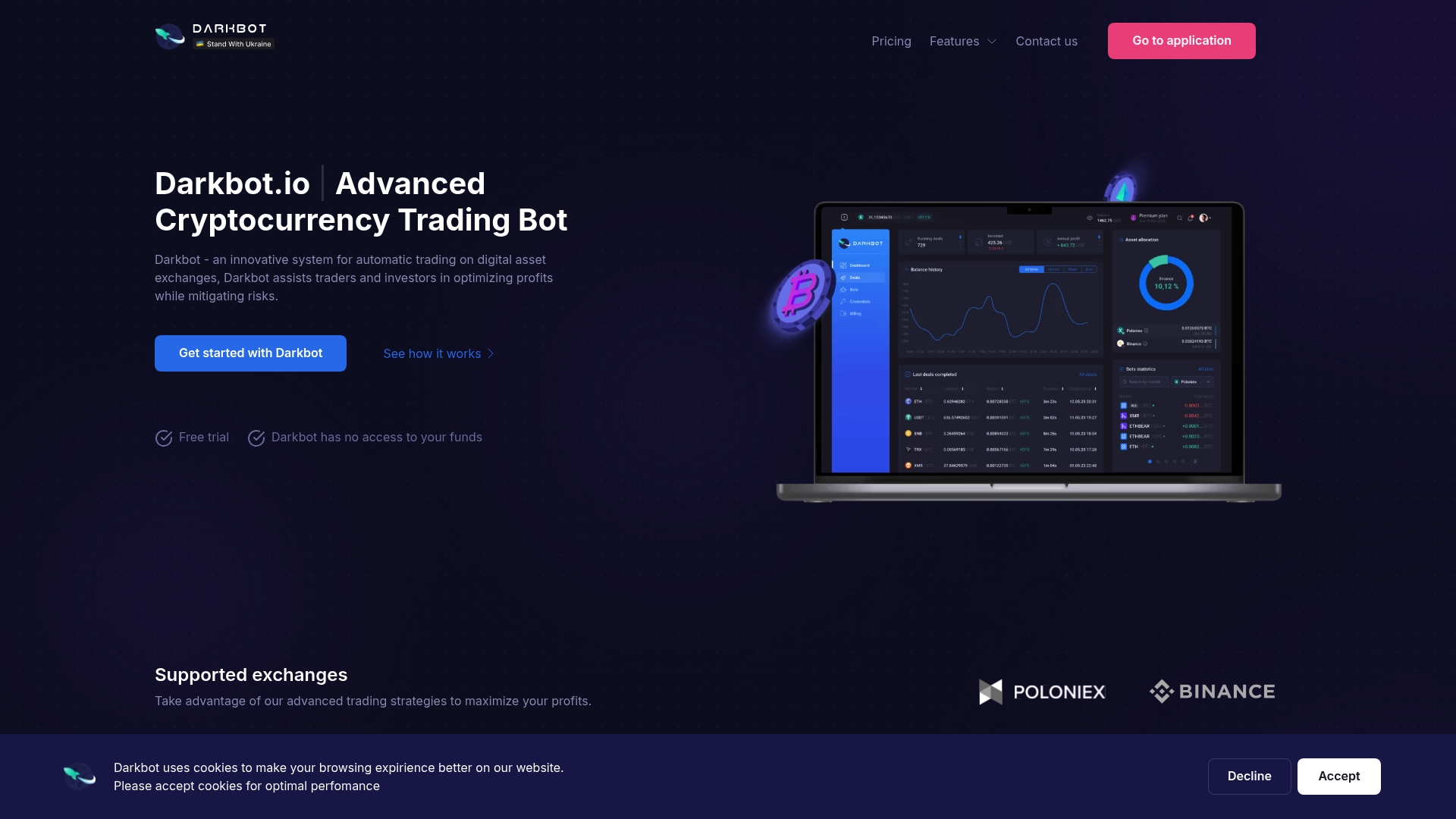
Darkbot is built as an AI-based automation platform, not a signal provider, so the emphasis stays on systematic execution rather than predicting where price goes next. It handles exchange API integration, strategy customization, backtesting, and portfolio-level risk management inside one governed system, with rule-driven risk checks instead of manual oversight for every trade. That structure replaces the server maintenance and custom risk-pipeline code a self-hosted webhook bot requires, while keeping the same disciplined, cap-driven approach to execution. Traders can start with Darkbot’s free tier to see how strategy configuration and risk parameters work before committing to a paid plan.
FAQ
Can TradingView Be Used With Webhooks?
Yes. TradingView alerts support a webhook URL field that sends an HTTP POST to your server whenever the alert triggers, provided webhooks are enabled on your plan and two-factor authentication is active on the account.
Does TradingView Allow Bot Trading?
TradingView doesn’t execute trades itself. It sends alert data through webhooks, and a separate bot or platform, whether self-hosted or a managed service like Darkbot, handles the actual order execution on an exchange.
Is There an AI Bot for TradingView?
TradingView itself doesn’t run AI-based execution, but platforms like Darkbot use AI and machine learning to manage risk parameters and strategy execution once a signal or alert reaches them.
Are Trading Bots Illegal?
Automated trading bots are legal in most jurisdictions for cryptocurrency and standard brokerage accounts, though rules vary by country and exchange terms of service, so checking your specific exchange’s policy is worth doing before automating live funds.
Recommended

Start trading on Darkbot with ease
Come and explore our crypto trading platform by connecting your free account!
Free plan available • No credit card required