VPS for Crypto Bots: Providers, Specs and Setup Compared
A VPS keeps a crypto trading bot running when your own computer cannot: it does not depend on your home power, your internet connection or your laptop’s sleep settings. For most self-hosted bots, a Linux VPS with 2 vCPUs, 2 to 4 GB of RAM and about 30 GB of SSD storage is enough, at a monthly cost between roughly $5 and $12. The right choice depends on what your bot does, which exchange it talks to and how much server administration you are willing to own. This guide compares the common options, explains the specifications that matter, and covers the cases where you do not need a VPS at all.
TL;DR
- A VPS gives a self-hosted bot a dedicated environment with continuous uptime, independent of home hardware and connectivity. You are also responsible for configuring, securing, updating and backing up it.
- A typical bot needs 2 vCPUs, 2 to 4 GB of RAM and 20 to 50 GB of storage. Low latency and uptime matter more than raw bandwidth.
- Published entry prices for suitable plans range from about €4.04 to $12 per month. Compare them on location, CPU generation and included features, not on price alone.
- If a hosted platform already runs the bot software, a separate VPS adds cost and administration without a clear benefit.
What a VPS actually does for a trading bot
A trading bot is a process that must stay connected to an exchange, evaluate rules on a schedule or on incoming data, and place or manage orders. If the process stops, the rules stop being applied. That is the core reason to host it somewhere more stable than a personal computer.
A VPS provides a dedicated environment for that process. Bacloud describes the benefit as 24/7 uptime that is independent of a home computer’s power, internet stability and local hardware performance. A cloud virtual machine also exposes configurable vCPU, memory, disk, operating system and network settings, with remote installation, monitoring, alarms and restart through a console or APIs.
There is a trade-off. A VPS is not managed web hosting. OVHcloud’s documentation states that you administer the server yourself, which means configuration, security, maintenance and backups are your responsibility. The server stays up, but it does not look after your bot for you.
When you do not need one
An independent guide from TradingFXVPS separates the cases clearly. A VPS is not strictly necessary when a hosted bot service already runs the software, or when a local bot only sends alerts. An always-on server is appropriate when the bot must execute trades, maintain API or WebSocket connections, manage positions or run unattended.
That distinction should drive the decision. Renting a server to run software that someone else already hosts creates a second system to secure and monitor, and it adds no execution benefit.
What specifications a crypto bot VPS needs
Most bots are not computationally heavy. They hold a connection, read market data, apply logic and send orders. The figures below come from published provider and guide recommendations, so treat them as starting points and adjust to your own workload.
| Component | Minimum | Typical recommendation | Notes |
|---|---|---|---|
| vCPU | 1 | 2 or more | More cores help when running several strategies at once |
| RAM | 1 GB | 2 to 4 GB | Add memory for multiple concurrent bots |
| Storage | Small SSD | 20 to 50 GB, 30 GB typical | Logs and databases grow over time |
| Network | A few Mbps | Low latency, stable uptime | Bandwidth rarely limits a bot |
| OS | Linux | Ubuntu or similar LTS | Windows is available but uses more resources |
The minimum of 1 vCPU and 1 GB of RAM, and the recommended 2 or more vCPUs and 2 GB or more of RAM, appear in 1VPS’s guide. The 2 vCPU, 2 to 4 GB RAM, 30 GB SSD profile, along with the note that a few Mbps is enough, is in Bacloud’s article.
Bacloud also makes a point that is easy to miss: the bot itself is often light, but running multiple concurrent strategies, or backtesting on the live server, needs more cores and memory to avoid bottlenecks. A practical rule follows from this. Keep backtesting and optimization on a separate machine, and keep the production server for execution only.
Operating system
Linux is the usual choice for a bot written in Python, Node.js or a similar runtime, because it has a small footprint and mature tooling for running services. OVHcloud supports both GNU/Linux and Windows distributions on its VPS range. Choose Windows only when your software requires it.
Choosing a data-center location
Location affects how long each API request takes to reach the exchange and return. For a bot that rebalances hourly, a few tens of milliseconds are irrelevant. For arbitrage or high-frequency logic they can decide whether an order is filled at the intended price.
Bacloud notes that choosing a data center geographically close to the exchange’s servers lowers latency, which can be critical for high-frequency or arbitrage strategies. OpenClawTraderPro goes further and says the wrong VPS can add 200 to 500 ms to every API call. That figure is one publisher’s claim and your results will vary, which is why measuring is better than assuming.
The same source gives a sound method:
- Identify where your exchange’s API servers are located.
- Test each candidate region with ping, traceroute and real API response-time measurements.
- Choose the location with the lowest and most consistent latency, not just the lowest single reading.
Consistency matters because a bot reacts to the slowest requests, not the average ones. Most providers let you create a server, test it for an hour, and delete it, so the cost of measuring is small. Note that an exchange may serve different regions or endpoints, so test the specific API endpoint your bot uses.
VPS options compared
The table shows commonly listed entry plans for crypto and trading bot workloads. Prices are indicative published figures, they change, and some are quoted with or without VAT, so confirm the current price on the provider’s page before you buy.
| Provider | Indicative entry price | What stands out | Best suited to |
|---|---|---|---|
| Hostinger | $5.99 per month | Low entry price | Single bot, light workload |
| Vultr | $6 per month | Broad choice of regions | Testing several locations |
| Hetzner | €5.49 per month (1VPS listing); €4.04 per month for CX22 including VAT (another listing) | Strong price-to-performance | Cost-sensitive multi-bot setups |
| DigitalOcean | $12 per month | Mature tooling and documentation | Teams that value ecosystem |
| Contabo | €4.99 per month | Low price | Budget builds |
| VPS4Crypto | From $5 per month | Crypto-focused, AMD Ryzen 9 9950X, NVMe | Single-bot, crypto-payment setups |
The first five prices come from 1VPS’s roundup. The Hetzner CX22 figure of €4.04 per month including VAT, and its description as offering the best price-to-performance ratio, comes from OpenClawTraderPro. The two Hetzner numbers differ because they describe different plans and tax treatment, which is a reminder to compare like with like. VPS4Crypto lists plans from $5 per month for single-bot setups, and its Chicago plans advertise 10 Gbps uplinks. For a US-based reader, that is a useful reference when an exchange or your own workflow is closer to the Midwest than to either coast.
How to read the table
Price differences across these providers are small relative to the cost of one badly timed or missed order. Three criteria deserve more weight than the monthly figure:
- Location coverage. A provider with a region near your exchange’s endpoints beats a cheaper one that does not have one.
- CPU generation and plan type. Different processor generations can give measurably different performance on the same workload. Prefer dedicated or clearly specified vCPUs.
- Included features. Snapshots, automatic backups, monitoring and alarms exist at some providers. Tencent Cloud describes them for its own virtual machines and these are provider-specific capabilities, not guarantees of every VPS. Check whether each is included in the plan you are buying or priced as an add-on.
When the budget is framed against a small account, the server should be a minor line item. If you are sizing risk and costs together, it also helps to keep broader market context in view, for example bitcoin treasury valuation analysis, so that infrastructure spending stays proportionate to the capital it supports.
Security and setup
Because you administer the server, security sits with you. OVHcloud’s guidance recommends keeping the system updated, changing the default SSH port, enabling an internal firewall, using fail2ban and maintaining backups. Those steps matter more for a trading server than for a typical web server, because the machine stores exchange API keys.
A sensible baseline:
- Create the API key on the exchange with trading permission only. Disable withdrawals.
- Restrict the key to the server’s IP address where the exchange allows it.
- Use SSH keys instead of passwords, and disable root login.
- Keep secrets in environment variables or a protected file, never in a code repository.
- Back up configuration and state, and test a restore.
Running the bot as a service
On Ubuntu and similar systems, the standard approach is to run the bot as a systemd service. Define the service so it starts after the network is available and restarts on failure, then enable it so it survives a reboot. Check its state with systemctl status, read its logs with journalctl, and reboot once on purpose to confirm it comes back by itself. The last test is the one people skip, and it is the one that proves the setup works.

Monitoring should cover three things: whether the process is running, whether it is still receiving data, and whether orders are being accepted. A bot can be alive and still be disconnected, so alert on silence as well as on crashes.
Questions to ask before you pay
For uptime, support and scaling, check these points in the plan description rather than assuming them:
- Is there a stated uptime commitment, and what remedy applies if it is missed?
- Can you resize CPU and memory without rebuilding the server?
- Are snapshots and backups included, and how often do they run?
- Is support available around the clock, and through which channel?
- What happens to your IP address if you rebuild the server? This matters if you whitelist it on an exchange.
A provider that answers these clearly is easier to rely on than one that advertises only specifications.
Our perspective
We build automation, so we see both sides of this decision. A VPS is a sound tool when you run your own code or an open-source bot and want control over the environment. It is also a recurring operational responsibility: patching, key handling, monitoring and recovery all become your work, and a failure in any of them can interrupt execution.

The question we would ask first is not which VPS to rent but whether you need to host anything at all. If the logic you want is systematic execution, with defined rules, structured risk limits and repeatable behavior, a platform that runs the bots for you removes an entire class of failure modes. If you want custom code and full control, a VPS is the appropriate foundation, and the guidance above is how we would configure it.
Whichever route you take, the server is infrastructure, not strategy. It makes execution consistent, but it does not make a strategy sound. Evaluate the rules, the risk limits and the testing process with the same care you give to the hosting.
— Grisha
When a hosted platform replaces the VPS
Darkbot is an AI-based crypto trading automation platform, not a signal provider. It connects to supported exchanges through API keys, runs bots on its own platform and gives you strategy customization, backtesting, paper trading, multiple simultaneous bots, risk management tools and real-time analytics. There is no server to provision, patch or monitor on your side.
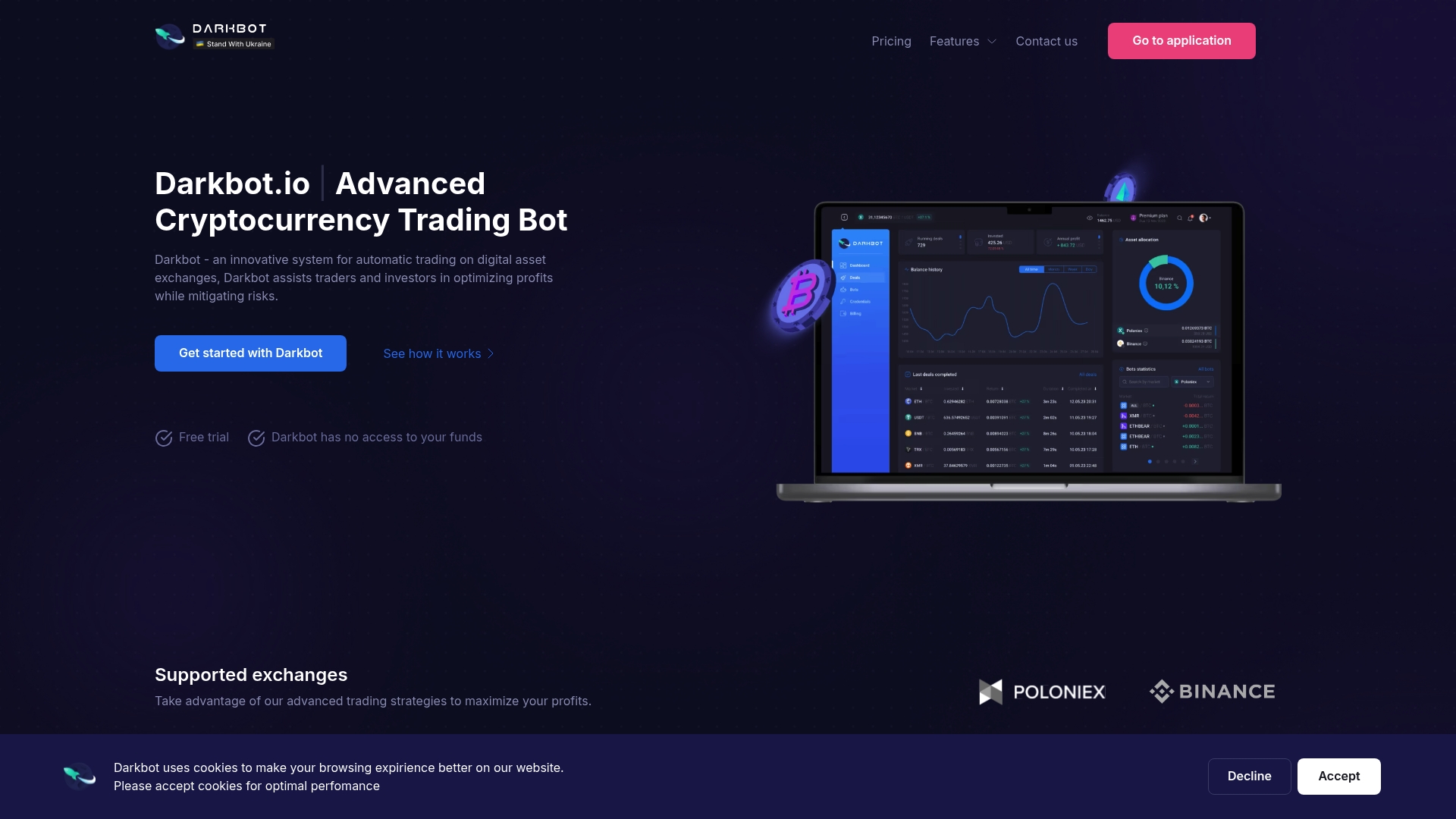
Plans on the pricing page include a Free tier with limited features, a Standard plan at $12.50 per month and a Premium plan at $25.00 per month, plus an Enterprise tier without a published price. A 14-day money-back guarantee applies to subscriptions. For comparison, the Standard price sits in the same range as a mid-priced VPS, but without the administration. If you want to understand how the platform handles automation first, our guide on how to automate crypto trading walks through the process, and you can start with the free plan to test it with paper trading.
Which option fits which trader
| Situation | Suitable choice |
|---|---|
| Custom code or open-source bot, comfortable with Linux | Linux VPS with 2 vCPUs and 2 to 4 GB RAM |
| Several concurrent strategies or heavy backtesting | Larger VPS, or separate machines for testing and execution |
| Latency-sensitive arbitrage | VPS in a measured, low-latency region near the exchange |
| Rule-based automation without server work | Hosted platform |
| Alerts only, no order execution | Local machine is often enough |
FAQ
Do I need a VPS to run a crypto trading bot?
Only if you run the software yourself and it must execute trades continuously. If a hosted service already runs the bot, or your bot only sends alerts, a VPS is not strictly necessary. The deciding factor is who operates the process.
How much does a VPS for a crypto bot cost?
Published entry plans for suitable servers run from about €4.04 to $12 per month, depending on provider, region and tax treatment. Prices change, so confirm them on the provider’s page. Plan for slightly more if you run several bots or need backups.
How much RAM and CPU does a trading bot need?
A common setup is 2 vCPUs, 2 to 4 GB of RAM and about 30 GB of SSD storage on Linux. The minimum cited is 1 vCPU and 1 GB of RAM. Running multiple strategies or backtesting on the same server calls for more.
Which data-center location should I choose?
Choose the region with the lowest and most consistent latency to your exchange’s API endpoint, measured with ping, traceroute and real API calls. Proximity matters most for high-frequency and arbitrage strategies. For slower strategies the difference is usually small.
Is a VPS safe for storing exchange API keys?
It can be, if you secure it. Keep the system updated, use a firewall and fail2ban, change the default SSH port, and take backups. Create keys with trading permission only and withdrawals disabled.
Sources
- Getting started with a VPS, OVHcloud Documentation
- What Is a VPS Server?, Tencent Cloud
- Using VPS servers for crypto trading bots, Bacloud
- Do You Need a VPS for a Crypto Trading Bot?, TradingFXVPS
- Best VPS for Trading Bots, 1VPS
- Best VPS for OpenClaw 2026, OpenClawTraderPro
- Trading VPS, VPS4Crypto
- Chicago VPS, VPS4Crypto
Recommended

Start trading on Darkbot with ease
Come and explore our crypto trading platform by connecting your free account!
Free plan available • No credit card required