API Rate Limit Handling for Crypto Trading Bots

API rate limit handling is the set of rules a client follows when an exchange tells it to slow down. For a trading bot, the core rules are: read the limit information the exchange publishes, stay under it with client-side pacing, and when a limit is hit, wait for the stated delay or back off with jitter. For orders, check state by client ID before any retry, so a throttled request never becomes a duplicate order.
This guide explains the mechanism, then walks through a handling framework for automated trading: discovery, pacing, retry, order safety, and monitoring.
TL;DR
- A rate limit caps how many requests a client may send in a time window. When you exceed it, the server typically answers with HTTP 429.
- Find the limits in the exchange documentation and response headers, and treat sandbox limits as unrepresentative of production.
- Honor a Retry-After value when present. Otherwise use exponential backoff with jitter and a hard retry cap.
- For order placement and cancellation, use a client-supplied ID and query by that ID before retrying.
- Reduce load first: batch reads, cache, and prefer WebSockets over polling. Queue orders when several bots share one account.
What a rate limit is and what “request rate limited” means
API rate limiting, also called request throttling, controls the number of requests a client can make within a specified time window. It protects backend systems from overload and keeps access fair across consumers. Providers also use it to increase security, manage costs and maintain quality of service.
When a bot sees “request rate limited,” the server is reporting that the client exceeded its allowance. In HTTP terms, a 429 Too Many Requests response means the client sent too many requests in a given amount of time. The response is not an error in your strategy. It is a flow-control signal, and the correct reaction is a change in sending behavior.
The cause-and-effect matters for trading. A bot that ignores the signal and keeps resending can prolong the problem. In a market context, that means more time with stale state: positions, open orders and balances the bot cannot confirm.
Who is being counted
A server may define a user by an IP address, an API key, or a token. This is worth confirming for each exchange. If limits are tied to the API key, two bots using the same key share one budget. If they are tied to the IP address, every process on the same host shares it, even with different keys.
Step 1: Discover the actual limits
Handling starts with knowing the numbers. Do not hard-code values copied from a forum post. Read the exchange’s documentation, then confirm at runtime where the exchange allows it.
Documentation and endpoints
Several exchanges publish a way to query limits directly. Binance, for example, states that current limits can be queried through exchangeInfo, and responses can include rate-limit status in an optional rateLimits field. Reading this at startup lets a bot adapt if the exchange changes its allowances.
Limits are rarely uniform. CoinSwitch documents that its public market-data endpoints have generous limits, while order placement and cancellation limits are tighter because they are more expensive to honor. Design the bot with separate budgets for data reads and for order actions.
Response headers
Many APIs report usage in every response. A common pattern is documented by Alpaca: X-RateLimit-Limit gives the total requests allowed in the window, X-RateLimit-Remaining gives what is left, and X-RateLimit-Reset gives the Unix timestamp when the window resets. Header names differ by exchange. The CCXT documentation lists exchange-specific headers, including x-mbx-used-weight-1m for Binance and x-bapi-limit for Bybit.
A bot should parse whichever headers its exchange provides and store three values per budget: the limit, the remaining count and the reset time.

Do not trust the sandbox for headroom
Test environments often differ from production. Alpaca states that sandbox and production do not share the same rate limits; sandbox limits are significantly lower and are not a reliable signal of production headroom. The same caution applies to paper trading against any exchange testnet: use it to validate logic, not to size your request budget.
Step 2: Pace requests before the server has to
The most reliable rate limit handling is avoiding the 429 in the first place. A client-side limiter checks the remaining allowance before each request and waits when none is left.
Upbit’s documentation describes this approach: its example implements a RateLimiter that checks remaining allowed requests before sending and waits when none are available, and regulates frequency across its Quotation and Exchange APIs before requests reach the server.
Separate budgets by endpoint group
A practical limiter keeps one counter per group the exchange defines, for example market data, account queries and order actions. A burst of price queries should never consume the allowance needed to cancel an order.
Prioritize by consequence
When the budget is tight, not all requests are equal. A reasonable priority order for a trading bot:
- Order cancellations and risk-reducing actions.
- Order placement defined by the active strategy.
- Order and position status checks.
- Balance and account queries.
- Market data that a WebSocket stream could supply instead.
This ordering follows from the cost of delay. A late chart refresh costs little. A late cancellation can leave exposure that the risk rules did not intend.
Queue instead of firing concurrently
For high-frequency workloads such as market making, Limitless recommends queuing outgoing orders instead of firing them concurrently. A single outbound queue per account gives you one place to enforce pacing, priority and logging.
Step 3: Retry with discipline
When a limit is hit anyway, the retry policy decides whether the bot recovers in seconds or compounds the problem.
Respect Retry-After first
For temporary rate-limit errors, OpenAI’s guidance is to check for a Retry-After header and wait at least that long if it holds a valid delay. If the header is missing or invalid, it advises exponential backoff with jitter. The same logic applies to exchange APIs, since the header is a general HTTP convention.
Exponential backoff with jitter
Exponential backoff doubles the wait after each failure up to a maximum. Jitter adds randomness so that many clients do not retry in lockstep. CoinSwitch recommends randomizing each wait by plus or minus 25% to avoid thundering herds when many processes hit the limit at the same instant.
A minimal pattern looks like this:
import random, time

def call_with_backoff(send, max_retries=5, base=1.0, cap=30.0):
    for attempt in range(max_retries + 1):
        response = send()
        if response.status != 429:
            return response
        retry_after = parse_retry_after(response)  # None if absent or invalid
        if retry_after is not None:
            wait = retry_after
        else:
            wait = min(cap, base * (2 ** attempt))
            wait *= random.uniform(0.75, 1.25)
        time.sleep(wait)
    raise RateLimitExhausted()
The values here are illustrative. Tune the base delay, cap and retry count to the exchange’s documented window.
Set a retry ceiling and a fallback state
Alpaca’s example limits attempts with max_retries. A bot needs the same ceiling, plus a defined outcome when it is reached. Reasonable options are to pause new entries, keep only risk-reducing actions active, and raise an alert for review. Endless retries are not a strategy.
Step 4: Keep orders safe when a response is unclear
The hardest part of rate limit handling in trading is not the wait. It is uncertainty. If an order request times out or returns a server error, the bot does not know whether the exchange received it. Resending blindly can create a duplicate position.
CoinSwitch gives the relevant pattern for state-changing calls: send a client-supplied ID, and after a timeout or 5xx, query the relevant endpoint by that ID before retrying.
In practice:
- Generate a unique client order ID before the first attempt and store it.
- If the request fails with an ambiguous result, query the order by that ID.
- If the order exists, record its state and do not resend.
- If it does not exist, retry under the same ID and the same backoff rules.
- Record every attempt, so the audit trail explains what the bot did and why.
A clear 429 on an order request normally means it was rejected before processing, but confirm that against the specific exchange’s documentation. The status query costs one request and removes the ambiguity, which is a good trade at any limit.
Step 5: Reduce load and monitor usage
If a bot regularly hits limits during normal operation, the design is asking for too much. CoinSwitch suggests batching reads, caching aggressively, or preferring WebSockets over polling in that situation.
| Technique | What it reduces | Where it fits |
|---|---|---|
| WebSocket streams | Repeated polling of prices and order updates | Market data, order status |
| Caching | Duplicate reads of slow-changing data | Symbol rules, fee tiers, account settings |
| Batching | Number of separate calls | Reads that the exchange supports in bulk |
| Outbound queue | Concurrent bursts | Order placement and cancellation |
| Limiter with budgets | Accidental overruns | Every REST call |
What to track
- Remaining allowance per budget, from response headers.
- Count of 429 responses per hour, by endpoint group.
- Time spent waiting in the queue before sending.
- Retries per order and the number of orders that reached the retry ceiling.
A rising 429 count is an early signal. It usually indicates a new strategy, an added bot or a polling loop that grew without anyone adjusting the budget.
Several bots on one exchange account
Running multiple bots, or several strategies, against one account multiplies request volume while the allowance stays fixed. The earlier question of who is being counted becomes decisive: if the exchange counts by API key or IP address, every bot draws on the same budget.
The structured answer is to put one shared limiter and queue in front of all of them, rather than giving each bot its own independent retry loop. Independent loops tend to retry at the same moment, which is the thundering herd that jitter is meant to prevent. A shared queue also lets the priority order from Step 2 apply across bots, so one strategy’s data polling cannot starve another’s cancellations.

For related background on connecting exchanges safely, see our notes on API-based exchange integration, API key security in automated trading and multi-exchange integration.
Our perspective
Rate limits are often treated as a developer nuisance. We treat them as part of execution quality. A system that cannot say how many requests it has left, what it will do when the budget runs out and how it avoids duplicate orders is not systematic, however good its strategy logic is.
Darkbot is an AI-based automation platform, not a signal provider. The AI component is there for consistency: evaluating patterns probabilistically and applying rules the same way each time. It does not predict markets, and it cannot make an exchange raise its limits. What it can do is keep execution rule-driven, so behavior under throttling is defined in advance instead of improvised.
Our approach rests on a few principles: connect through API keys so that you retain control of your funds on the exchange, keep human oversight visible, and route orders directly. The same discipline applies to request handling. Pace first, retry second, verify state before resending, and stop cleanly when a ceiling is reached.
If you run your own scripts, the framework above applies to them equally. If you would rather configure bots than maintain request logic, that is the problem a managed platform addresses.
Grisha
Where Darkbot fits
If you would prefer to configure strategies instead of maintaining your own throttling, queueing and retry code, Darkbot connects to supported exchanges through API keys and lets you run multiple bots with customizable strategies, backtesting, paper trading and risk management tools.
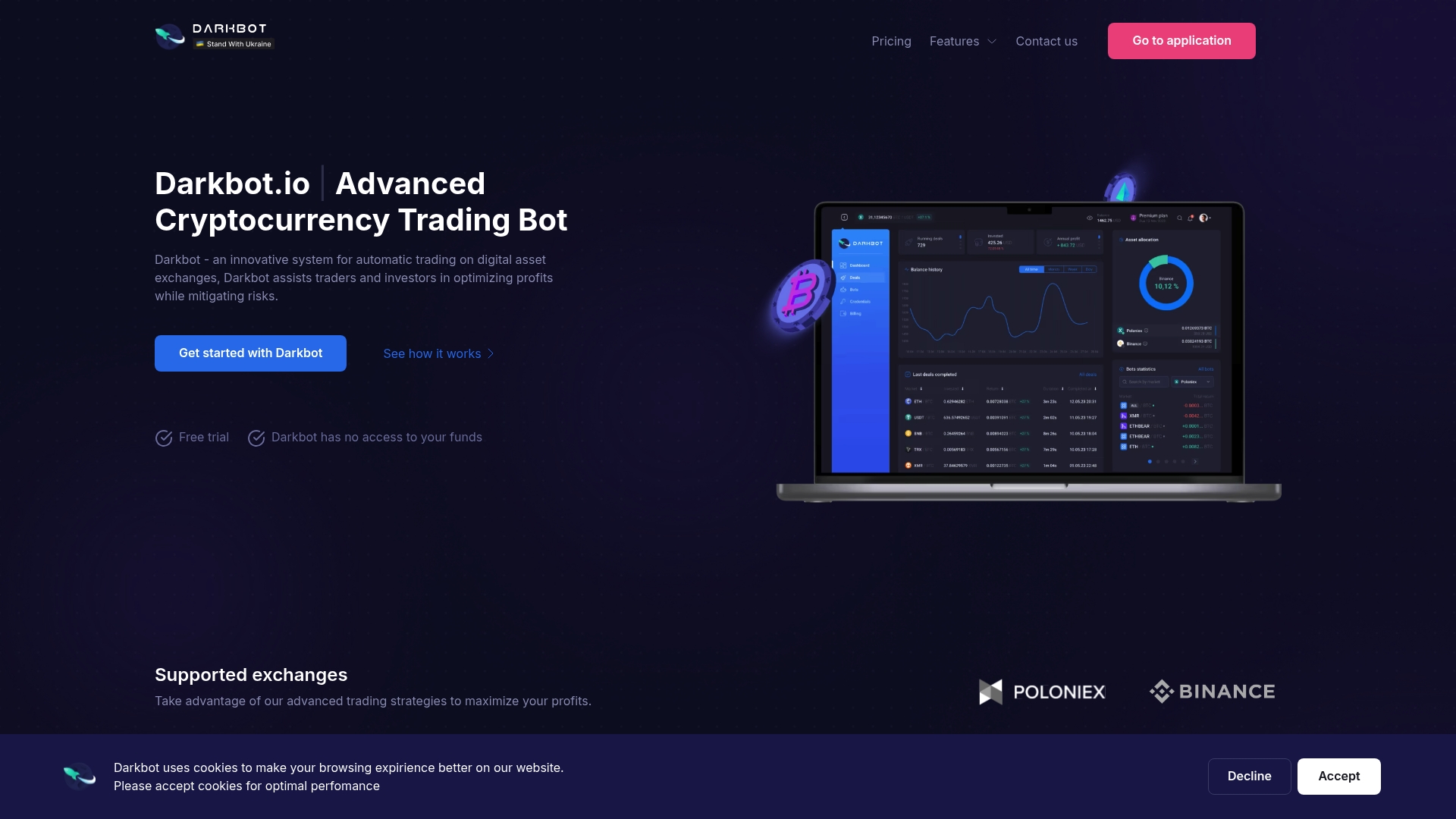
Plans are published on the Darkbot pricing page: a Free plan with limited features, Standard at $12.50 per month, Premium at $25.00 per month, and an Enterprise option. Paid subscriptions include a 14-day money-back guarantee. To set up a first strategy, our guide to step-by-step strategy setup for automation is a sensible start, and the risk checklist covers position sizing.
A short checklist before going live
- Read the exchange’s rate-limit documentation and record each endpoint group’s budget.
- Parse limit and remaining headers, or query the limit endpoint where one exists.
- Add a client-side limiter with separate budgets for data and orders.
- Route all order actions through one queue per account, with cancellations first.
- Honor Retry-After, then use capped exponential backoff with jitter.
- Assign a client order ID to every order and verify by ID before any retry.
- Define the fallback state when retries are exhausted, and alert on it.
- Log 429 counts and waiting time, and review them whenever you add a bot.
- Do not size your budget from sandbox behavior.
For more on the wider integration layer, see cryptocurrency API integration for automated trading.
FAQ
What does “request rate limited” mean?
It means your client sent more requests than the server allows in a time window. The usual signal is an HTTP 429 Too Many Requests response. The fix is to slow down and retry according to the server’s guidance, not to resend immediately.
How long should a bot wait after a 429?
If the response includes a valid Retry-After value, wait at least that long. If not, use exponential backoff with jitter and a capped number of attempts. The exact delays should follow the exchange’s documented window.
How do I avoid duplicate orders when a request fails?
Assign a client-supplied ID to each order. After a timeout or server error, query the order by that ID before retrying, as CoinSwitch’s documentation advises. Resend only if the order does not exist.
Where can I find an exchange’s rate limits?
Start with the official API documentation. Some exchanges also expose limits programmatically, such as Binance through exchangeInfo, and many return usage in response headers.
Do multiple bots share the same limit?
Often yes. A server may count usage by IP address, API key or token, so bots that share one of these draw on one budget. Confirm the rule in the exchange’s documentation and place a shared limiter in front of all bots.
Sources
- 429 Too Many Requests, MDN
- What is API Rate Limiting? Postman Blog
- What Is Rate Limiting? Microsoft Learn
- Errors & Rate Limits, CoinSwitch API Trading
- Rate Limits, Alpaca documentation
- Rate limits, Binance Open Platform
- CCXT.RateLimiter.Headers
- Troubleshooting API rate limits and 429 errors, OpenAI
- REST API Integration Best Practices, Upbit
- API Reference, Limitless Exchange
- HTTP 429 Too Many Requests: Causes, Retry-After and Fixes
Recommended

Start trading on Darkbot with ease
Come and explore our crypto trading platform by connecting your free account!
Free plan available • No credit card required