Best Non-Custodial Trading Bots for Crypto Traders: No Withdrawals

Non-custodial trading bots place orders in your own exchange account through trading-only API keys, with withdrawals disabled and IP whitelisting switched on. We recommend Darkbot.io as the direct option for this job: AI-assisted strategy support, backtesting, paper trading, portfolio tools and rule-based risk controls. Below is the checklist we use: separate keys, whitelisting, and paper trading before live capital.
TL;DR:
- Create a dedicated API key with trading permissions only, disable withdrawals, whitelist the bot’s server IP addresses, and store credentials in a secrets manager.
- Reject backtests without validation on unseen periods, realistic transaction costs and slippage, Sharpe or Sortino ratios, and stress tests across bubble and nonbubble periods.
- Run paper trading across representative periods, then start with limited capital; review execution logs, alerts, and drawdowns before increasing allocation.
- Confirm the bot pauses safely after exchange failures, test its stop mechanism, and prepare a written rollback plan and kill switch before going live.
- Treat AI as pattern evaluation within defined rules, not market prediction; automation can reduce manual errors but still requires monitoring and staged deployment.
What non-custodial execution means for your funds
A non-custodial trading bot never holds your assets. It places orders in your exchange account through restricted API keys, and withdrawal permissions stay disabled. Your funds remain in an account you control, so a compromised bot or key cannot send coins to an outside address.
The permissions a trading-only bot typically needs are narrow: querying balances, and creating, modifying and canceling orders. Exchange documentation such as the Kraken API key guide lists these as separate toggles, which lets you grant exactly what the bot uses and nothing more.
Exchange security guidance points to two core protections: minimal permissions and IP whitelisting. Whitelisting locks a key to the bot’s server addresses, so a leaked key is useless from anywhere else. Without it, an attacker holding the key can still abuse trading permissions to move your balance through bad trades.

Features to require from any non-custodial trading bot
Use this list to compare platforms before connecting any key:
- Strategy customization and support for several bots running at once, so you can separate risk across assets.
- Backtesting with out-of-sample validation, reported with risk-adjusted metrics such as the Sharpe and Sortino ratios. Academic research on crypto technical trading argues for these over raw return percentages.
- Paper trading or a staging mode, so strategies run against live markets before they touch capital.
- Explicit exchange setup instructions, including which API permissions to enable and which to leave off.
- Execution logs, alerts and defined retry behavior, because a literature review on algorithmic crypto trading ties many strategy failures to weak handling of connection drops and execution errors.
- Portfolio tools such as automated rebalancing and analytics.
Pro Tip: Ask any vendor what the bot does when the exchange connection drops mid-order. A clear answer about safe states and pausing is a better signal than a long feature list.
Security checklist for API keys and operations
Follow these steps in order. Each one limits the damage if something goes wrong:
- Create one trading-only key for the bot and separate read-only keys for dashboards, as Kraken recommends, rather than a single master key.
- Whitelist the bot’s server IP addresses on every key, and use asymmetric key options where the exchange offers them.
- Store secrets in a secrets manager or environment variables, never in source code or shared documents.
- Rotate keys on a schedule and delete any that are no longer in use.
- Turn on two-factor authentication for the exchange and the bot platform. Hardware keys are a strong option, and YubiKey compatibility across platforms is worth checking before you buy.
- Define a safe state for exchange downtime, with monitoring that pauses the bot when connections fail.
Our own notes go deeper on protecting profits and data and on API key security in automated trading.
Pro Tip: Test the pause mechanism on purpose. Revoke the key on a paper account and confirm the bot stops cleanly instead of retrying forever.
How to judge strategy quality and avoid overfitting
A backtest that looks excellent is often an artifact of tuning. Parameters fitted too closely to history describe the past, not a repeatable process. These checks separate robust results from fitted ones:
- Require out-of-sample validation. Research on backtesting optimization shows that the choice of validation period shapes how far parameters can be trusted.
- Include realistic transaction costs and slippage, which erase many apparent edges.
- Compare strategies on Sharpe and Sortino ratios, not headline returns.
- Prefer simpler rule sets. Too many rules invite overfitting, while too few add bias, so a limited set of tested parameters usually holds up better.
- Stress-test across market regimes. A study of automated traders in crypto bubbles stresses testing in both bubble and non-bubble periods.
- Run a small, staged live test and watch drawdown behavior before you scale allocation. Our strategy optimization guide covers this process in more depth.
Getting started safely: a step-by-step workflow
- Secure your exchange account with two-factor authentication and decide on a test allocation you can afford to leave idle.
- Create API keys with trading and query permissions only. Leave withdrawal disabled, as Coinbase’s connection guide also advises.
- Whitelist the bot’s server IP addresses on the key and store the key in a secrets manager.
- Run backtests and paper trading across representative out-of-sample periods.
- Start a staged live run with limited capital, review logs and alerts, then scale gradually. Keep a kill switch and a written rollback plan.
Pro Tip: Write the rollback plan before step 5, not during an incident. Decide in advance who or what pauses the bot and under which conditions.
Our step-by-step bot guide walks through the same sequence in more detail.
Why we treat AI as process, not prediction
We use AI for consistency and for probabilistic pattern evaluation inside defined rules. It does not predict markets, and it does not remove risk. Reviews of algorithmic crypto trading describe research gaps, with most studies limited to large-cap coins. Automation cuts manual error, but it demands operational safeguards and staged rollouts. Judge any bot by its process, monitoring and risk controls, not by promised results.
— Grisha
Why Darkbot.io fits custody-conscious traders
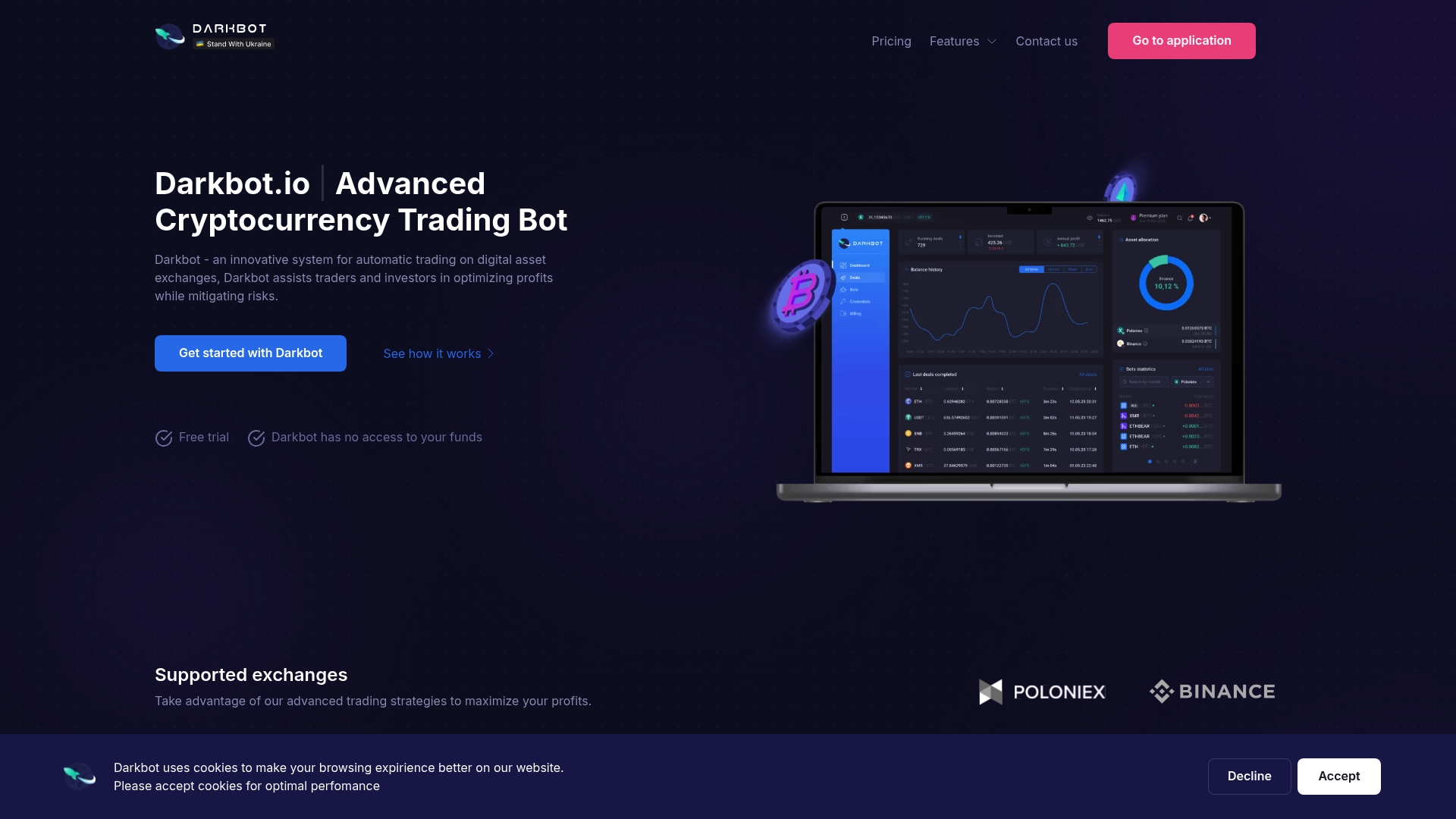
We position Darkbot.io as AI-based trading automation, not a signal service. It connects to exchanges via API integration and includes the tools this checklist asks for:
- Backtesting and paper trading before live capital
- Multiple simultaneous bots with customizable strategies
- Portfolio management with automated rebalancing and real-time analytics
- Risk management tools and operational controls
We offer Free, Standard, Premium and Enterprise plans. The Standard Plan costs $12.50 per month and the Premium Plan $25.00 per month, listed on our pricing page, where you can compare tiers and start. Whichever platform you connect, apply the security checklist above first.
This article is general information, not a substitute for advice from a qualified financial advisor. Consult a qualified financial professional about your own circumstances before acting on anything here.
FAQ
What makes a trading bot non-custodial?
A non-custodial bot trades inside your own exchange account through API keys and never holds your funds. Withdrawal permission stays disabled, so the bot can place orders but cannot move assets out, as exchange security guidance describes.
Is IP whitelisting really necessary?
It is the most important single control for API keys. Locking a key to specific server addresses means a leaked key cannot be used from anywhere else, according to Binance’s security guidance.
How should I judge a bot’s backtest results?
Look for out-of-sample validation, realistic costs and risk-adjusted measures such as Sharpe and Sortino ratios. Research on crypto technical trading cautions that raw returns hide overfitting and data-snooping.
Do I need paper trading before going live?
Yes. Paper trading shows how a strategy behaves in live conditions without risking capital. Follow it with a small staged live run, then scale only after the logs and drawdowns look as expected.
Sources
- 5 Tips For Protecting Your Crypto | Binance Blog
- Technical trading and cryptocurrencies | Annals of Operations Research | Springer Nature Link
- Algorithmic Trading and Cryptocurrency- a literature review and key findings
Recommended

Start trading on Darkbot with ease
Come and explore our crypto trading platform by connecting your free account!
Free plan available • No credit card required