2FA and Trading Bots: What It Protects and What It Doesn't
Two-factor authentication (2FA) protects the human side of a trading bot setup: your exchange login, your email, and your bot platform account. It does not protect the bot’s API connection, because API keys authenticate machine to machine and do not prompt for a code. A secure setup therefore needs two layers: strong 2FA on every account you log into, and tightly scoped API keys for the bot itself.
This guide explains where each control applies, how to configure both, and what to do if you lose your authenticator.
TL;DR
- 2FA guards logins and account changes made by a person. API keys are a separate access path and need their own controls.
- Kraken’s documentation states that trading 2FA is not compatible with API-key sign-in, so it cannot protect API-authenticated requests.
- Give a bot only the permissions it needs, leave withdrawals off, and restrict keys by IP address where the exchange supports it.
- Prefer passkeys, then authenticator apps. Protect your email account with the same standard, and store backup codes offline.
- Have a written response plan: revoke keys, cancel open orders, change credentials, then investigate.
Why 2FA and bots are a special case
2FA works by requiring something you know (a password) plus something you have (a device or key). That model assumes a person is present at the moment of authentication. An automated trading bot is the opposite: it must place and cancel orders at any hour without a human entering a code.
This is why exchanges separate human access from programmatic access. Humans sign in with a password and a second factor. Software connects with an API key and secret, and the permissions attached to that key define what it may do. AICELS explains the distinction: 2FA mainly defends account logins against password compromise, while API keys are machine-to-machine credentials, so login 2FA should not be treated as automatic protection for a bot’s keys.
The practical consequence is a division of labor:
| Access path | Used by | Primary control |
|---|---|---|
| Exchange login | You | Password plus passkey or authenticator app |
| Email account tied to the exchange | You | Strong password plus 2FA |
| Bot platform login | You | Unique password plus 2FA where offered |
| API key | The bot | Minimal permissions, no withdrawals, IP restriction, secure storage |
Each row is a separate door. Locking three and leaving one open does not make the house secure.
What 2FA protects on the exchange side
On the exchange, 2FA can cover more than sign-in. Kraken states that authenticator-based 2FA can be applied to sign-in, the master key, funding and trading, so the protection extends to the actions that move value.
Trading 2FA is a good example. According to Kraken’s support page on trading 2FA, it requires a code before trades are made, so balances and positions cannot be changed without access to that second factor. For a manual trader this is a useful safeguard against someone who has obtained a session or password.
The same page states the limitation that matters for automation: trading 2FA is not compatible with API-key sign-in and is ineffective as a security feature for API-authenticated requests. If your bot places orders through an API key, a trading 2FA setting will not gate those orders. The key’s permissions have to do that job.
Passkeys versus authenticator codes
Not all second factors are equal. Kraken’s guide supports passkeys and authenticator apps and recommends passkeys wherever available. The reasoning is mechanical. Passkeys use FIDO2 and are phishing-resistant because authentication is bound to the legitimate website’s origin. A six-digit authenticator code, by contrast, can be typed into a fake site, or exposed if the cloud synchronization of the authenticator app is compromised.
That gives a simple ordering for trading accounts:
- Passkey or hardware security key, where the exchange or platform offers it.
- Authenticator app (time-based codes), when passkeys are unavailable.
- SMS codes, only if nothing else is offered, since they depend on the phone number staying under your control.
Binance’s security guidance lists a similar set of controls: 2FA, passkeys, authenticator apps, device management, withdrawal-address whitelisting, email verification and physical security keys. Withdrawal-address whitelisting is worth singling out. Even if an attacker reaches your account, funds can only go to addresses you approved in advance.
Devices matter as much as codes. A second factor stored on a phone is only as safe as that phone. Apps installed without your knowledge on a shared or previously lent device can be hard to spot, and a guide on apps cheaters use shows how concealed apps are typically identified on a phone. Review installed apps on any device that holds your authenticator.
Do not forget your email
Most account recovery flows run through email. If someone controls your inbox, they can often reset the exchange password and begin the recovery process. CoinSpot recommends app-based 2FA for both the exchange account and the email account, and advises printing recovery codes and storing them safely. It also advises unique, complex passwords, never sharing 2FA codes, and never giving a seed phrase to anyone.
A short checklist for the accounts around your bot:
- Email: unique password, passkey or authenticator 2FA.
- Exchange: passkey or authenticator 2FA for sign-in, funding and trading where available.
- Bot platform: unique password, and 2FA wherever the platform provides it.
- Password manager: protected by a strong master password and its own 2FA.
How bots actually connect: API keys
An API key lets software act on your exchange account without your password. Kraken’s documentation says API keys authenticate private account endpoints, and permissions such as Modify Orders and Cancel/Close Orders are what allow an API client to place and cancel orders. The same page notes that API-key 2FA can be added if the client supports sending 2FA data, which most third-party bots are not built around, so you should not rely on it.
Creating a key often does involve 2FA. Bitso’s documentation says 2FA is required when generating API credentials, but the permissions then decide separately whether those credentials can place orders, view balances, perform security actions or make withdrawals. So 2FA protects the moment of creation. Permissions protect everything afterward.
For background on how this connection works in practice, see our guides on API-based exchange integration and API key integration for bot automation.

Locking down API keys
Since 2FA does not gate the bot, the key itself must be constrained. The reasoning is cause and effect: a key can only do what its permissions allow, so fewer permissions mean a smaller consequence if the key leaks.
Grant only what the bot needs
Kraken’s guidance is that a third-party trading key needs order modification and cancellation, probably open-order queries, and almost certainly not withdrawals. Bitso’s API documentation likewise supports restricting each credential to only the functions the bot needs.

Leave withdrawals off
This is the single most consequential setting. AICELS recommends trade-only keys with withdrawals disabled: a stolen key might place losing or abusive trades but cannot directly transfer the balance away through the key. That does not make a leak harmless, which is why the next controls matter, but it changes the worst case materially.
Restrict by IP address
Where the exchange supports it, allowlist the IP addresses the bot connects from. Kraken lists IP whitelisting among its recommended practices, and Bitso supports allowlisting where available. A key restricted to known addresses is far less useful to someone who copies it. We cover this in more depth in API keys and IP security.
Store the secret properly
Bitso notes that API secrets are shown only once and must be kept private, because anyone who obtains the credentials may reach the account and funds those permissions allow. Kraken advises keeping keys in a password manager rather than in an unencrypted file. Do not paste keys into chat messages, screenshots or shared documents.
Use one key per purpose
If you run more than one bot or exchange, create a separate key for each. Revoking a single compromised key then does not interrupt everything else, and the exchange’s key list stays readable. Our overview of API key security in automated trading walks through this approach.
Setting up 2FA step by step
The exact menus differ by exchange, but the sequence is stable.
- Secure your email first. Change to a unique password and enable passkey or authenticator 2FA.
- Enable 2FA on the exchange. Choose a passkey if offered. Otherwise register an authenticator app. Apply it to sign-in and, where the option exists, to funding and trading.
- Save recovery material. Store backup codes offline, not in the same place as your password.
- Turn on withdrawal protections. Enable address whitelisting and any withdrawal confirmation the exchange offers.
- Create a scoped API key. Select only order-related permissions, leave withdrawals off, and add the bot’s IP address if supported.
- Connect the bot. Enter the key into the platform once, then store the secret in your password manager.
- Run a paper or low-size test. Confirm the bot behaves as configured before increasing size.
If you are new to the connection step, our bot setup guide covers it from the platform side.
If you lose your authenticator
Loss of a phone is the most common 2FA failure, and the time to plan for it is before it happens. Backup codes are one-time recovery codes meant for exactly this case, and PolyBot’s guidance is to store them securely offline. CoinSpot similarly recommends printing recovery codes and keeping them somewhere safe.
Practical measures:
- Register a second factor (for example, two passkeys or a passkey plus an authenticator) so one lost device is not a lockout.
- Keep printed backup codes in a physically secure place, separate from your devices.
- Know your exchange’s recovery procedure in advance. Each exchange has its own identity verification process, and it can take time.
- Do not store backup codes in an email inbox or an unprotected notes app.
A lost or replaced phone is also a reason to review your active API keys. If the same device held your password manager or sessions, treat keys as potentially exposed and rotate them.
A response plan for suspected compromise
An incident plan reduces the number of decisions you make under pressure. SuperQuant’s perspective is to contain first: revoke access and cancel orders, then rotate credentials and investigate without exposing secrets. A workable order of operations:
- Revoke the affected API keys and any connected agents at the exchange.
- Cancel open orders and pause the bot.
- Change your login password and re-register your second factor.
- Review recent orders, logins and API key activity.
- If a recovery phrase may have been exposed, move holdings to a new wallet.
- Create new keys with minimal permissions and reconnect.
Never share a recovery phrase or 2FA code with anyone who contacts you, including people claiming to be support.
Our perspective
We build Darkbot around systematic execution, and security is part of that discipline rather than an add-on. A bot is only as controlled as the access it is given, so we treat 2FA and API permissions as two separate layers: 2FA protects the people logging in, and scoped keys limit what automated software can do.
Our approach is designed around direct order routing and human oversight, so you decide what the bot may access and can review what it does. We encourage connecting through API keys with only the permissions the strategy requires, and we describe our security design as our own claim of intent, not a guarantee against every risk.
The process we favor is repeatable: scope the key, restrict it, store it properly, test with paper trading, then scale gradually. That is the same logic we apply to strategy rules, and it is what makes an automated setup easier to audit and easier to recover when something goes wrong.
Grisha
Using Darkbot with a secured exchange account
Darkbot is an AI-based crypto trading automation platform that connects to supported exchanges through API keys. The platform offers customizable strategies, backtesting, paper trading, multiple simultaneous bots and risk management tools, which let you verify behavior with limited exposure before committing capital. Plans are Free, Standard at $12.50 per month, Premium at $25.00 per month, and Enterprise, and a 14-day money-back guarantee applies to paid subscriptions.
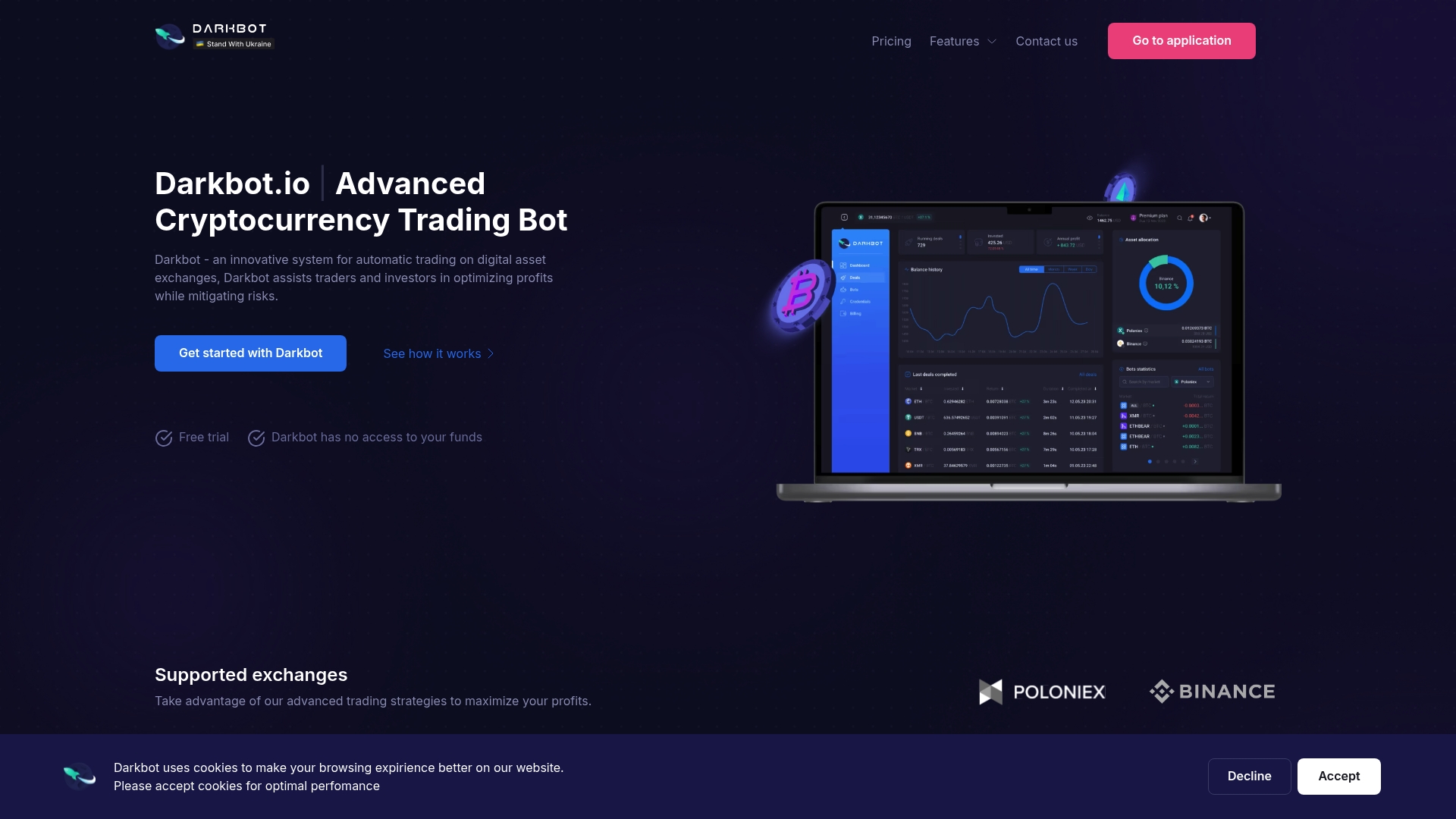
If you want to review the plans, see Darkbot pricing. For a deeper look at how we approach protecting accounts and data, read our piece on crypto trading bot security.
FAQ
Does 2FA protect my trading bot’s API keys?
Not directly. 2FA protects human logins, while API keys authenticate software without a code. Kraken’s documentation says trading 2FA is ineffective for API-authenticated requests, so the key’s permissions, IP restriction and secure storage are what protect it.
Which permissions should a trading bot’s API key have?
Only those needed to place, modify and cancel orders, and to read open orders if the strategy requires it. Leave withdrawals disabled. Exchanges such as Kraken and Bitso document these permission controls on their API key pages.
Are passkeys better than authenticator apps for trading accounts?
Generally yes for phishing resistance. Passkeys are bound to the legitimate website, while authenticator codes can be entered on a fake site. Use an authenticator app when the exchange does not offer passkeys.
What if I lose my phone with my authenticator?
Use your offline backup codes or a second registered factor to regain access, then follow your exchange’s recovery process if neither is available. Afterward, rotate your API keys and change your password as a precaution.
Sources
- Kraken: How does two-factor authentication (2FA) for trading work?
- Kraken: How to secure your account with two-factor authentication
- Kraken: How to create a spot API key
- Bitso: Generate your API credentials
- CoinSpot: Security Recommendations
- AICELS: API, Wallet and Key Security
- Binance: The Risks of Unauthorized AI Trading Bots
- PolyBot: Polymarket Telegram Bot 2FA Security Guide
- SuperQuant: Trading Account and API Key Security
- Apps Cheaters Use: 10 Types and a Private Check
Recommended

Start trading on Darkbot with ease
Come and explore our crypto trading platform by connecting your free account!
Free plan available • No credit card required