What Is a Trading Bot Sandbox? A 2026 Guide
TL;DR:
- A trading bot sandbox provides a risk-free environment for testing strategies against real market data using virtual funds. It mimics live exchange conditions closely, enabling traders to validate code, analyze behavior, and ensure safety before going live. Proper sandbox use involves thorough testing for several weeks, matching live data and configurations, and implementing security measures like restricted API keys.
A trading bot sandbox is an isolated, risk-free environment that executes trading strategies using virtual capital against real or historical market data. The term comes from software development, where a “sandbox” means a contained space for testing code without affecting production systems. In automated crypto trading, the sandbox serves the same function: you run your bot through real market conditions, measure its behavior, and fix problems before a single dollar of live capital is at risk. Understanding what a trading bot sandbox does, and how to use one correctly, is the most direct path from strategy idea to confident live deployment.
What is a trading bot sandbox, technically?
A trading bot sandbox is defined as an isolated simulation layer that mirrors live exchange conditions while routing all orders to virtual accounts rather than real order books. The core mechanism works like a flight simulator for trading: financial risk is zero, but the strategy logic, API connections, and order types all run exactly as they would in production.

Most sandbox environments operate through one of two setups. The first is an exchange-provided sandbox API, where the exchange itself maintains a parallel environment with test endpoints. The second is a software-level simulation, where the trading library intercepts order calls and logs them as virtual fills using live price data.
Here is how the technical setup typically works:
- Connect to the sandbox endpoint. Most major exchanges publish a separate base URL for their test environment. You point your API client at that URL instead of the live one.
- Set the sandbox flag in your library. In Python libraries like CCXT, setting sandbox_mode=True ensures identical code runs in both test and live environments, eliminating hidden discrepancies between the two.
- Configure virtual capital. The sandbox account starts with a preset virtual balance. Many platforms allow auto-resetting balances so you can restart tests cleanly.
- Feed real market data. The sandbox consumes the same live price feed as production. This is what separates a proper sandbox from simple backtesting on historical data.
- Log all outputs. Order execution records, P&L tracking, slippage measurements, and error logs all generate in real time, giving you a full picture of bot behavior.
The key difference from traditional paper trading is precision. Paper trading often uses manually recorded prices or delayed data. A sandbox uses the same API infrastructure as live trading, which means latency, partial fills, and order rejection scenarios all appear in the test results.
Pro Tip: Use dedicated sandbox API keys with restricted permissions. This prevents a misconfigured bot from accidentally routing orders to your live account if you switch an environment variable by mistake.
What are the benefits of using a sandbox for strategy testing?
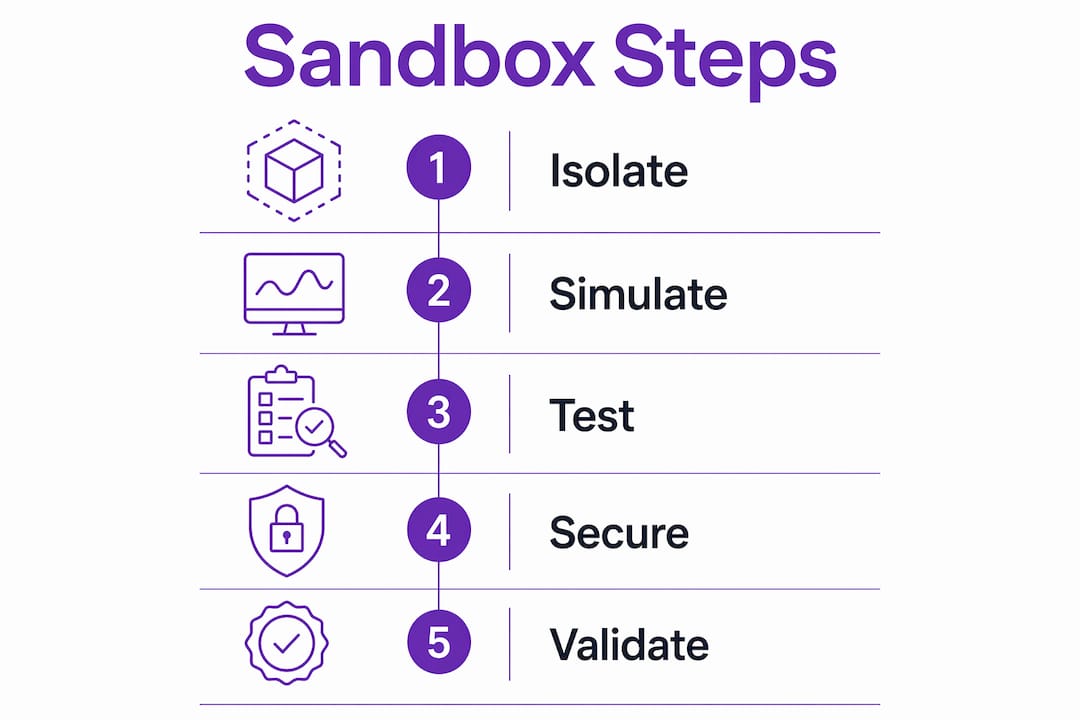
The primary benefit of a trading bot sandbox is the complete elimination of financial risk during the validation phase. Sandbox mode lets you practice new strategies, debug code, experiment with order types, and validate algorithms without any real money at stake. That alone justifies its use before every live deployment.
Beyond risk elimination, the sandbox delivers several concrete advantages:
- Strategy logic validation. You confirm that your entry and exit rules execute correctly under real price movement, not just in a spreadsheet model.
- API integration testing. Connection errors, rate limit responses, and authentication failures all surface in the sandbox before they can cause losses in production.
- Slippage and execution monitoring. You observe how your bot handles partial fills and price gaps without paying for the lesson with real capital.
- Security through isolation. Major exchanges now offer AI subaccounts as specialized sandboxes that segregate autonomous trading agents from a user’s primary capital, with predefined limits on allocation and leverage. This architecture prevents a runaway bot from touching funds it was never meant to access.
- Confidence before live trading. Traders who complete thorough sandbox testing enter live markets with documented evidence of how their strategy behaves, not just a theory.
The security dimension is underappreciated. Dedicated sandbox API keys with restricted permissions effectively air-gap your real assets from any buggy bot behavior. Good risk management for trading bots starts at the API credential level, not after a loss occurs.
Pro Tip: Treat the sandbox as a mandatory gate, not an optional step. Every strategy change, no matter how small, deserves a fresh sandbox run before it touches live capital.
What nuances and best practices should traders know?
The sandbox is a powerful tool, but it has limits that traders must understand to avoid false confidence. Sandbox testing cannot fully replicate all live market conditions, so some risk always remains when moving to production. Knowing where the gaps are lets you compensate for them.
The most important best practices are:
- Run tests for 2–4 weeks minimum. A simulation period of 2–4 weeks allows observation of daily P&L, order execution logs, and slippage across varying market conditions. A two-day test tells you almost nothing about strategy stability.
- Use walk-forward testing to avoid overfitting. Overfitting occurs when a bot memorizes historical data patterns that do not generalize to live markets. Walk-forward testing applies the strategy to sequential, unseen data segments, which produces a more honest performance estimate.
- Match the data feed exactly. The most common reason bots fail live is the difference between clean sandbox data and noisy live market data. Your sandbox must consume the identical live data feed as your production bot.
- Mirror your API configuration. Use the same order types, position sizing logic, and error handling in the sandbox as you plan to use live. Any deviation creates a gap between what you tested and what you deployed.
“The sandbox acts as a critical final validation layer by replicating live data exactly, preventing failures due to discrepancies between testing and production. Treat any gap between your sandbox and live configuration as a defect to fix before deployment, not a minor detail to address later.”
The AI-driven fintech sector is accelerating this discipline. Analysis of AI payment and trading trends shows that AI subaccounts functioning as specialized sandboxes are becoming standard infrastructure across exchanges, isolating bot activity from main accounts by design.
How to set up and use a sandbox environment effectively
Moving from theory to practice requires a structured approach. The steps below apply whether you are building a custom bot or configuring an automated platform like Darkbot.
- Obtain sandbox API credentials. Log into your exchange’s developer portal and generate a separate set of API keys for the test environment. Never reuse live keys in a sandbox setup.
- Configure your bot for the sandbox endpoint. Point the API base URL at the exchange’s test server. In code-based setups, set the sandbox_mode flag to True so your execution logic runs identically to production.
- Set virtual capital parameters. Define a starting balance that reflects your planned live allocation. Testing with $100 virtual when you plan to deploy $10,000 live produces misleading position-sizing results.
- Run the simulation for at least 2–4 weeks. Monitor daily P&L, order fill rates, and any error logs. Document every anomaly.
- Review and adjust. Identify slippage patterns, failed orders, and logic errors. Fix them, then restart the simulation from the beginning to confirm the fix holds.
- Transition to live with a small allocation. After sandbox validation, deploy with a fraction of your intended capital. Scale up only after live behavior matches sandbox results.
The table below summarizes the key configuration checkpoints before moving from sandbox to live trading.
| Checkpoint | What to verify |
|---|---|
| API credentials | Sandbox keys are separate from live keys |
| Data feed | Sandbox consumes the same live price feed as production |
| Capital sizing | Virtual balance matches planned live allocation |
| Test duration | Simulation ran for at least 2–4 weeks |
| Error handling | All error scenarios logged and resolved |
| Walk-forward test | Strategy validated on unseen data segments |
For traders using an automated platform, the process of automating crypto trading follows the same logic: configure the sandbox environment first, validate the strategy systematically, then move to live execution with documented evidence of performance.
Key Takeaways
A trading bot sandbox is the single most effective tool for validating automated strategies before live capital is at risk.
| Point | Details |
|---|---|
| Core definition | A sandbox runs strategies with virtual capital against real market data, eliminating financial risk during testing. |
| Minimum test duration | Run simulations for at least 2–4 weeks to observe behavior across varied market conditions. |
| Avoid overfitting | Use walk-forward testing on sequential data segments, not just historical backtests. |
| Match live configuration | The sandbox must use the same data feed, API setup, and order logic as your production bot. |
| Security through isolation | Dedicated sandbox API keys and AI subaccounts prevent buggy bots from accessing real funds. |
Why I think most traders underuse the sandbox
Most traders treat the sandbox as a formality. They run a bot for two or three days, see green P&L numbers, and move to live trading. That is the wrong approach, and it explains a large share of early automated trading failures.
The sandbox is not just a safety net. It is a diagnostic tool. The most valuable information it produces is not the P&L summary. It is the error logs, the partial fill records, and the moments where the bot behaved differently than expected. Those anomalies are the real output of a sandbox run, and they deserve more attention than the headline return number.
I have also seen traders build elaborate backtests and skip the sandbox entirely, assuming that historical performance predicts live behavior. It does not. Backtests use clean, complete historical data. Live markets have gaps, sudden liquidity drops, and API latency spikes that no backtest captures. The sandbox, when configured with a live data feed, is the only environment that exposes those conditions before they cost real money.
The security angle matters more than most beginners realize. Isolated AI subaccounts and restricted API keys are not bureaucratic overhead. They are the difference between a bot bug that costs you a test run and one that drains your account. Build that separation into your workflow from day one, not after something goes wrong.
The discipline of thorough sandbox testing is what separates traders who scale automated strategies successfully from those who cycle through losses trying to figure out what went wrong. The sandbox gives you the data to know before you deploy.
— Grisha
Darkbot’s approach to safe automated trading
Darkbot is an AI-powered crypto trading automation platform built for traders who want systematic execution without manual oversight.
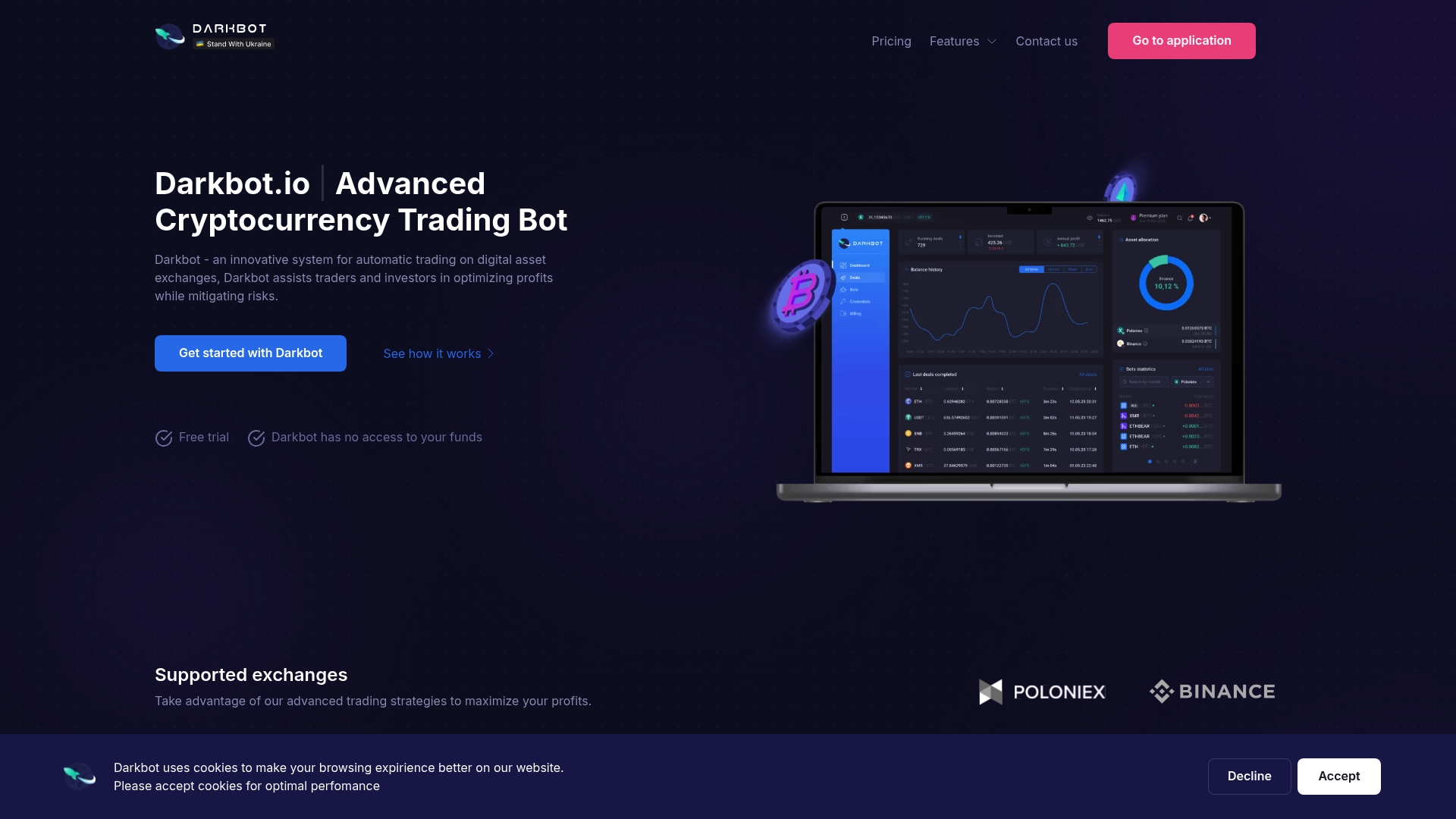
Darkbot integrates directly with multiple exchanges via API, supporting the kind of isolated, structured testing that serious automated trading requires. The platform is designed around disciplined risk control, with support for segregated configurations and real-time analytics that carry through from testing to live deployment. Traders can configure multiple simultaneous bots, fine-tune strategy parameters, and monitor execution quality across their supported exchanges before committing capital. For traders ready to move from sandbox validation to live automated trading, Darkbot’s platform provides the infrastructure to do it with structure and control.
FAQ
What is a trading bot sandbox in simple terms?
A trading bot sandbox is a test environment where your bot executes trades using virtual money against real market data. No real funds are at risk, but the bot behaves exactly as it would in live trading.
How long should I run a sandbox simulation before going live?
Run the simulation for at least 2–4 weeks. This period captures enough market variation to reveal slippage patterns, execution errors, and strategy weaknesses that shorter tests miss.
What is the difference between a sandbox and backtesting?
Backtesting replays historical data after the fact. A sandbox runs your bot in real time against live market data using virtual capital, which exposes latency, partial fills, and API behavior that backtests cannot replicate.
How do I prevent my sandbox bot from accidentally trading with real funds?
Use separate API keys generated specifically for the sandbox environment, and set the sandbox_mode flag in your trading library. Dedicated sandbox keys have restricted permissions that block access to real account balances.
Can sandbox results guarantee live trading performance?
No. Sandbox testing reduces risk significantly but cannot replicate every live market condition. Complement sandbox validation with a small live deployment and close monitoring before scaling to full capital allocation.
Recommended

Start trading on Darkbot with ease
Come and explore our crypto trading platform by connecting your free account!
Free plan available • No credit card required